18 19
English
2.7 Jumper Setup
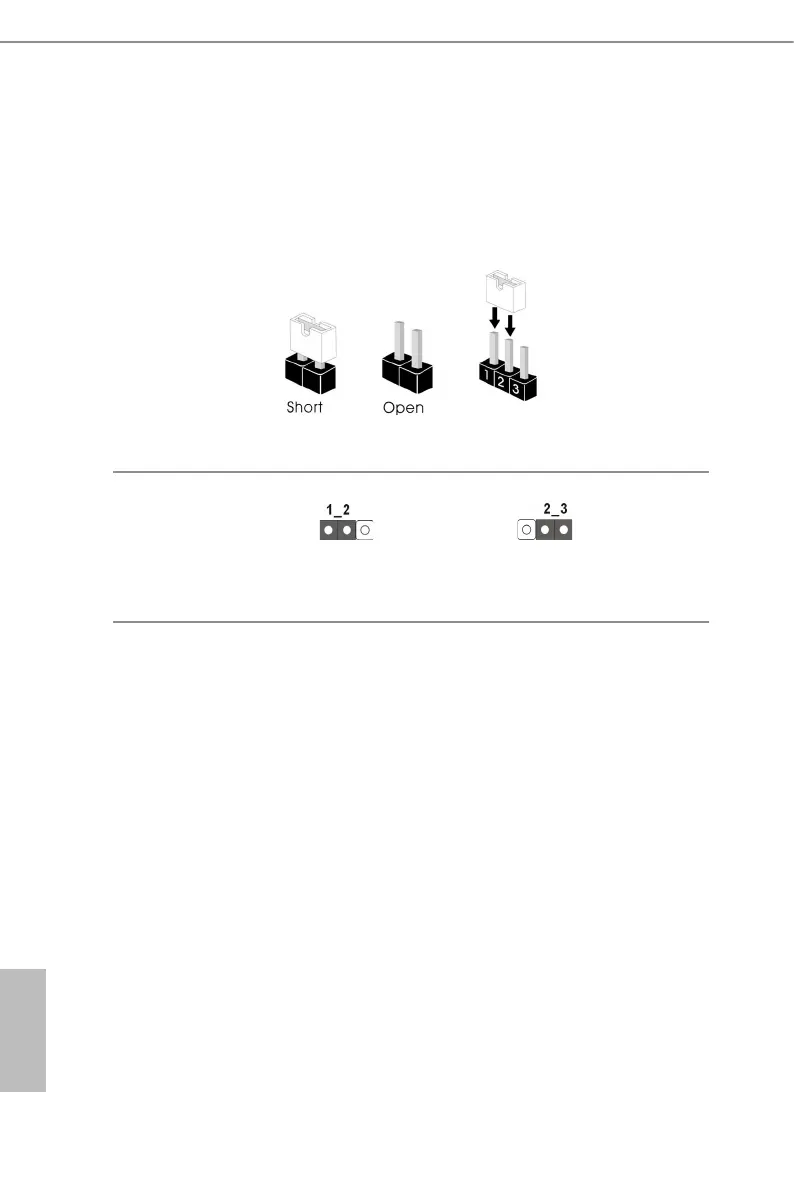
e illustration shows how jumpers are setup. When the jumper cap is placed on
the pins, the jumper is “Short”. If no jumper cap is placed on the pins, the jumper
is “Open”. e illustration shows a 3-pin jumper whose pin1 and pin2 are “Short”
when a jumper cap is placed on these 2 pins.
CHASSIS ID Jumper
(3-pin CHASSIS_ID1)
(see p.6, No. 19)
Board Level SKU (Default) Reserved for system level
use



 To Next Page
 Loading...









