2222
2222
22
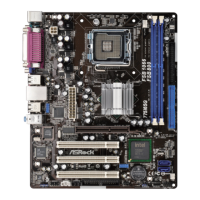
ASRock 775XFire-eSATA2+ Motherboard
EnglishEnglish
EnglishEnglish
English
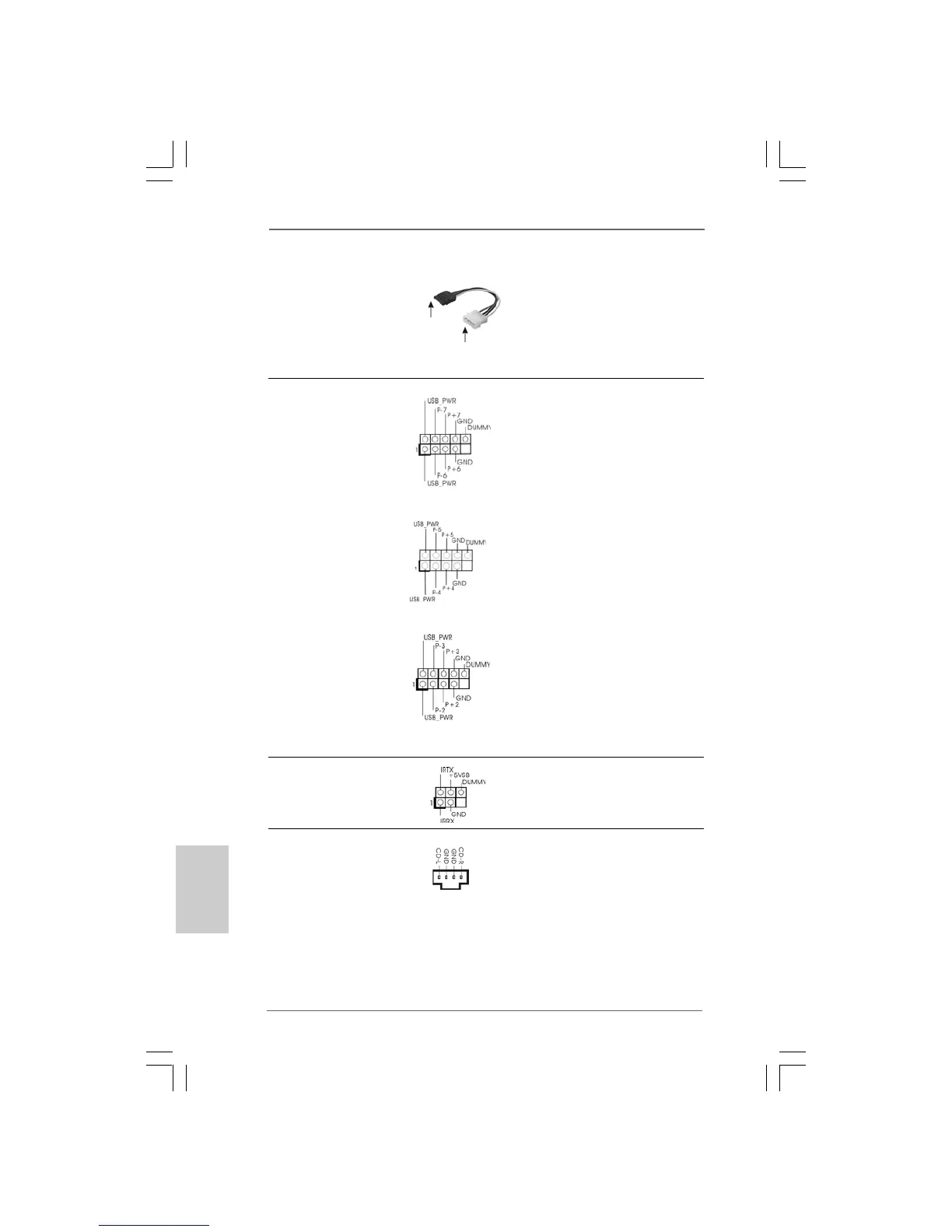
Serial ATA (SATA) Please connect the black end of
Power Cable SATA power cable to the power
(Optional) connector on each drive. Then
connect the white end of SATA
power cable to the power
connector of the power supply.
USB 2.0 Headers Besides two default USB 2.0
(9-pin USB67) ports on the I/O panel, there are
(see p.2 No. 20) three USB 2.0 headers on this
motherboard. Each USB 2.0
header cansupport two USB
2.0 ports.
(9-pin USB45)
(see p.2 No. 22)
(9-pin USB23)
(see p.2 No. 23)
Infrared Module Header This header supports an
(5-pin IR1) optional wireless transmitting
(see p.2 No. 24) and receiving infrared module.
Internal Audio Connectors This connector allows you
(4-pin CD1) to receive stereo audio input
(CD1: see p.2 No. 28) from sound sources such as
a CD-ROM, DVD-ROM, TV
tuner card, or MPEG card.
CD1
connect to the
power supply
connect to the SATA
HDD power connector




 To Next Page