161
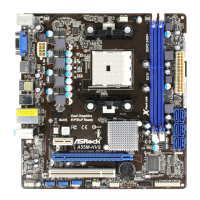
ASRock A55M-VS Motherboard
16. Follow Windows
®
Installation Guide to install OS.
If you install Windows
®
7 64-bit / Vista
TM
64-bit in a large hard disk (ex. Disk
volume > 2TB), it may take more time to boot into Windows
®
or install driver/
utilities. If you encounter this problem, you will need to following instructions
to fi x this problem.
Windows
®
Vista
TM
64-bit:
Microsoft
®
does not provide hotfix for this problem. Below steps are
Microsoft
®
suggested solution:
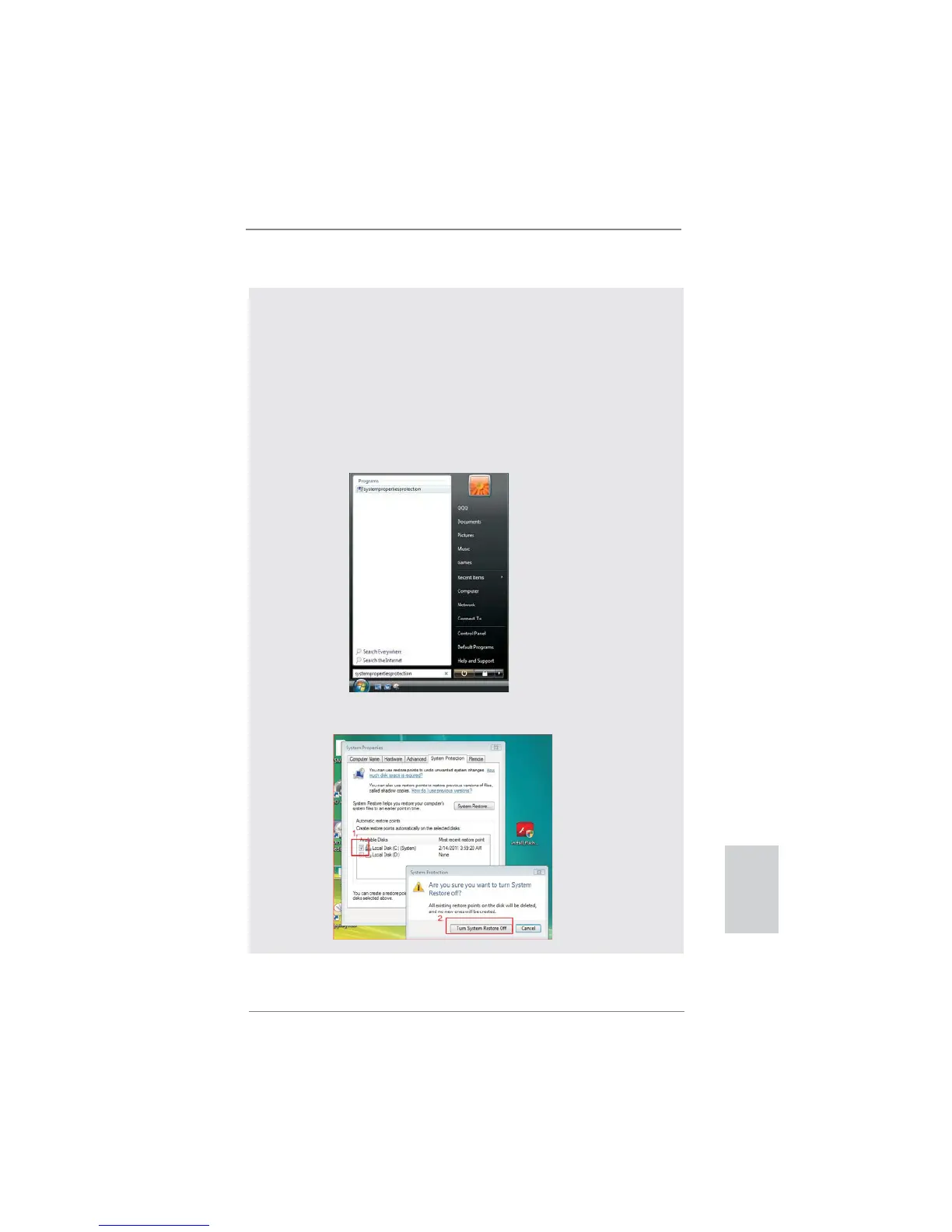
A. Disable System Restore.
a. Type “systempropertiesprotection” in the Start Menu. Then press
"Enter".
b. De-select Local Disks for System Restore. Then Click “Turn System
Restore Off” to confi rm. Then Press “Ok”.
English



 To Next Page
 Loading...