39
English
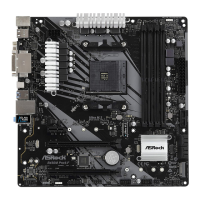
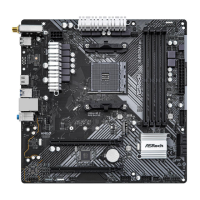
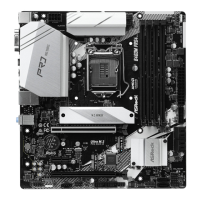
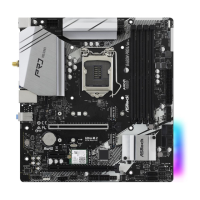
B450M Pro4
Connecting the Addressable RGB LED Strip
Connect your Addressable RGB LED strip to the Addressable LED Header (ADDR_LED1) on
the motherboard.
ADDR_LED1
1. Never install the RGB LED cable in the wrong orientation; otherwise, the cable
may be damaged.
2. Before installing or removing your RGB LED cable, please power o your system
and unplug the power cord from the power supply. Failure to do so may cause dam-
ages to motherboard components.
1. Please note that the RGB LED strips do not come with the package.
2. e RGB LED header supports WS2812B addressable RGB LED strip (5V/Data/
GND), with a maximum power rating of 3A (5V) and length within 2 meters.
VOUT
DO_ADDR
GND
1


 To Next Page
 Loading...