
 Need help?
Do you have a question about the ASROCK B550D4-4L and is the answer not in the manual?
Lists items included with the motherboard.
Details the motherboard's technical specifications.
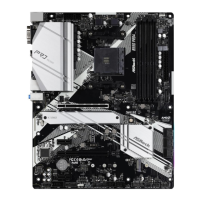
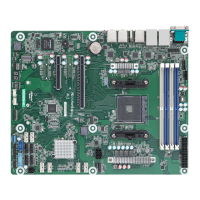
Illustrates the physical layout and components.
Explains the function of onboard LEDs.
Safety and handling guidelines before installation.
Step-by-step guide for CPU installation.
Guide for installing RAM modules.
Information on using PCIe slots.
Explains internal motherboard connectors.
Interpreting diagnostic codes for troubleshooting.
Guide for installing M.2 SSDs.
Overview of UEFI menu bar and navigation keys.
Overview of the UEFI Main screen.
Accessing advanced system configurations.
Settings for CPU-related options.
Settings for chipset features.
Settings for storage devices.
System security settings and passwords.
Configuring boot device order.
Compatibility Support Module settings.
Guidance on OS installation.
Steps to resolve common system issues.
How to contact technical support.
 General
| Brand | ASROCK |
|---|---|
| Model | B550D4-4L |
| Category | Motherboard |
| Language | English |


 To Next Page