3.6 Start8 45
Chapter 4 UEFI SETUP UTILITY 48
4.1 Introduction 48
4.1.1 UEFI Menu Bar 48
4.1.2 Navigation Keys 49
4.2 Main Screen 50
4.3 OC Tweaker Screen 51
4.4 Advanced Screen 59
4.4.1 CPU Conguration 60
4.4.2 Chipset Conguration 62
4.4.3 Storage Conguration 64
4.4.4 Intel® Rapid Start Technology 65
4.4.5 Intel® Smart Connect Technology 66
4.4.6 Super IO Conguration 67
4.4.7 ACPI Conguration 68
4.4.8 USB Conguration 70
4.4.9 Trusted Computing 72
4.5 Tools 73
4.6 Hardware Health Event Monitoring Screen 76
4.7 Boot Screen 77
4.8 Security Screen 80
4.9 Exit Screen 81
Chapter 1 Introduction
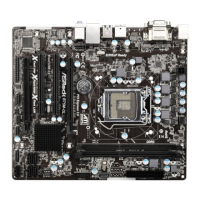
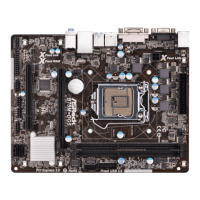
ank you for purchasing ASRock B85M-HDS R2.0 motherboard, a reliable
motherboard produced under ASRock’s consistently stringent quality control.
It delivers excellent performance with robust design conforming to ASRock’s
commitment to quality and endurance.
In this manual, Chapter 1 and 2 contains the introduction of the motherboard
and step-by-step installation guides. Chapter 3 contains the operation guide of the
soware and utilities. Chapter 4 contains the conguration guide of the BIOS setup.
1.1 Package Contents
•
ASRock B85M-HDS R2.0 Motherboard (Micro ATX Form Factor)
•
ASRock B85M-HDS R2.0 Quick Installation Guide
•
ASRock B85M-HDS R2.0 Support CD
•
2 x Serial ATA (SATA) Data Cables (Optional)
•
1 x I/O Panel Shield



 To Next Page
 Loading...