English
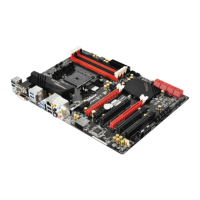
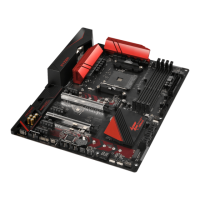
Fatal1ty B85 Killer Series
Chapter 1 Introduction
ank you for purchasing ASRock Fatal1ty B85 Killer Series motherboard, a reliable
motherboard produced under ASRock’s consistently stringent quality control.
It delivers excellent performance with robust design conforming to ASRock’s
commitment to quality and endurance.
1.1 Package Contents
•
ASRock Fatal1ty B85 Killer Series Motherboard (ATX Form Factor)
•
ASRock Fatal1ty B85 Killer Series Quick Installation Guide
•
ASRock Fatal1ty B85 Killer Series Support CD
•
2 x Serial ATA (SATA) Data Cables (Optional)
•
1 x I/O Panel Shield
* ere are two LEDs on each LAN port. Please refer to the table below for the LAN port LED indications.
Activity / Link LED Speed LED
Status Description Status Description
O No Link O 10Mbps connection
Blinking Data Activity Orange 100Mbps connection
On Link Green 1Gbps connection
** If you use a 2-channel speaker, please connect the speaker’s plug into “Front Speaker Jack”. See the table below
for connection details in accordance with the type of speaker you use.
Audio Output
Channels
Front Speaker
(No. 8)
Rear Speaker
(No. 6)
Central / Bass
(No. 5)
Line In
(No. 7)
2 V -- -- --
4 V V -- --
6 V V V --
8 V V V V
ACT/LINK LED
SPEED LED
LAN Port
To enable Multi-Streaming, you need to connect a front panel audio cable to the front
panel audio header. Aer restarting your computer, you will nd the “Mixer” tool
on your system. Please select “Mixer ToolBox” , click “Enable playback multi-
streaming”, and click “ok”. Choose “2CH”, “4CH”, “6CH”, or “8CH” and then you are
allowed to select “Realtek HDA Primary output” to use the Rear Speaker, Central/
Bass, and Front Speaker, or select “Realtek HDA Audio 2nd output” to use the front
panel audio.



 To Next Page
 Loading...