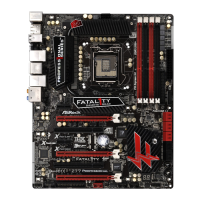
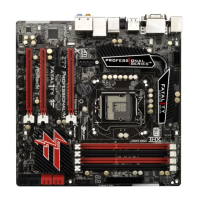
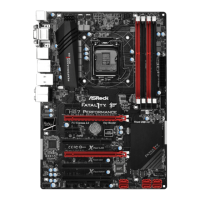
Fatal1ty Z77 Performance Series Motherboard
219
c. Set “Startup type” to “Disable” then Click “OK”.
C. Reboot your system.
D. After reboot, please start to install motherboard drivers and utilities.
Windows
®
7 64-bit:
A. Please request the hotfi x KB2505454 through this link:
http://support.microsoft.com/kb/2505454/
B. After installing Windows
®
7 64-bit, install the hotfi x kb2505454.
(This may take a long time; >30 mins.)
C. Reboot your system. (It may take about 5 minutes to reboot.)
D. Windows
®
will install this hotfi x then reboot by itself.
E. Please start to install motherboard drivers and utilities.
6. Finish.
English



 To Previous Page
 Loading...