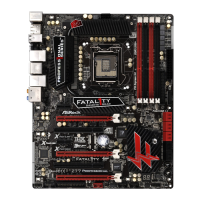
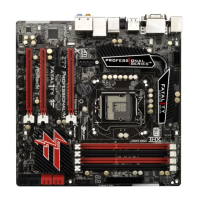
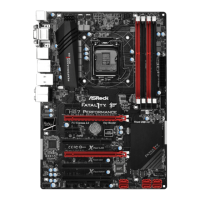
Fatal1ty Z77 Performance Series Motherboard
95
Italiano
2. Informazioni sul BIOS
La Flash Memory sulla scheda madre contiene le Setup Utility. Quando si avvia il
computer, premi <F2> o <Del> durante il Power-On-Self-Test (POST) della Setup
utility del BIOS; altrimenti, POST continua con i suoi test di routine. Per entrare il
BIOS Setup dopo il POST, riavvia il sistema premendo <Ctl> + <Alt> + <Delete>, o
premi il tasto di reset sullo chassis del sistema. Per informazioni più dettagliate circa
il Setup del BIOS, fare riferimento al Manuale dell’Utente (PDF fi le) contenuto nel cd
di supporto.
3. Software di supporto e informazioni su CD
Questa scheda madre supporta vari sistemi operativi Microsoft
®
Windows
®
: 7 /
7 64-bit / Vista
TM
/ Vista
TM
64-bit / XP / XP 64-bit. Il CD di supporto a corredo della
scheda madre contiene i driver e utilità necessari a potenziare le caratteristiche
della scheda.
Inserire il CD di supporto nel lettore CD-ROM. Se la funzione “AUTORUN” è attivata
nel computer, apparirà automaticamente il Menù principale. Se il Menù principale
non appare automaticamente, posizionarsi sul fi le “ASSETUP.EXE” nel CESTINO
del CD di supporto e cliccare due volte per visualizzare i menù.



 To Next Page
 Loading...