English
42
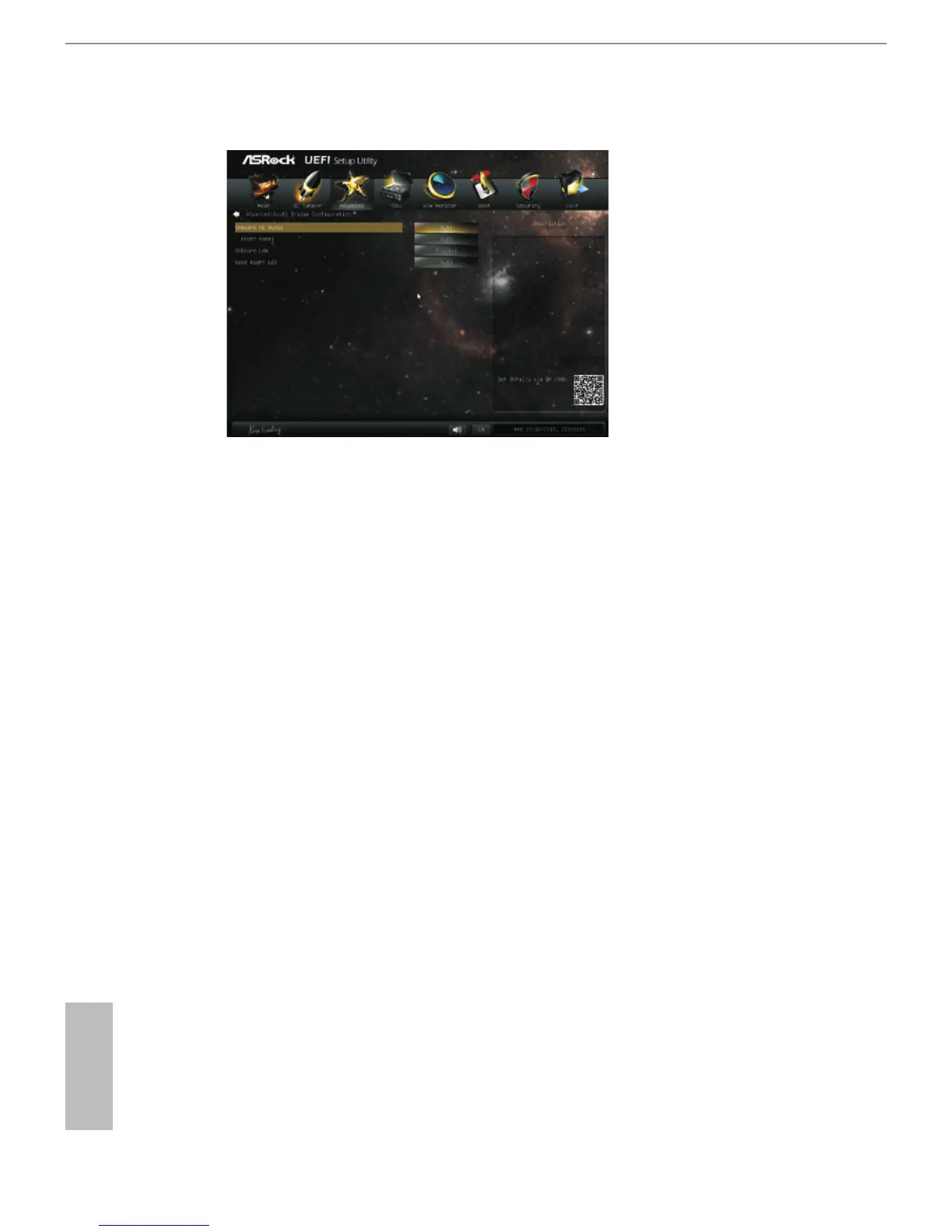
4.4.3 South Bridge Conguration
Onboard HD Audio
Select [Auto], [Enabled] or [Disabled] for the onboard HD Audio feature. If
you select [Auto], the onboard HD Audio will be disabled when PCI Sound
Card is plugged.
Front Panel
Select [Auto] or [Disabled] for the onboard HD Audio Front Panel.
Onboard LAN
This allows you to enable or disable the onboard LAN feature.
Good Night LED
Enable this option to turn off Power LED when the system is power on.
The keyboard LED will also be turned off in S3 and S4 state. The default
value is [Auto].




 To Next Page