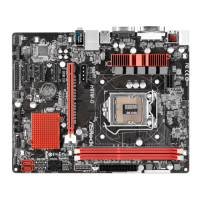
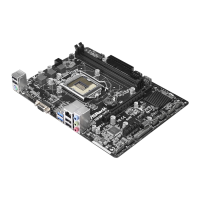
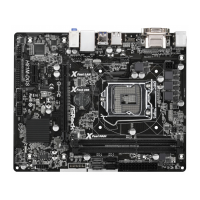
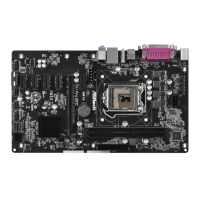
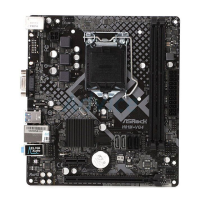
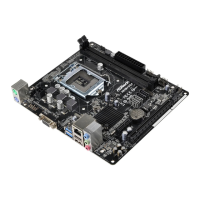
H81TM-ITX
60 61
English
Render Standby
Power down the render unit when the GPU is idle for lower power consumption.
LVDS Conguration
is allows you to enable or disable the Onboard LVDS.
Panel Type Selection
Use this to select a panel type.
Primary IGFX Boot Display
Use this to select the video device which will be activated during POST.
Onboard HD Audio
Enable/disable onboard HD audio. Set to Auto to enable onboard HD audio and
automatically disable it when a sound card is installed.
Front Panel
Enable/disable front panel HD audio.
External Panel
Select [Auto] or [Disabled] for the External Audio Panel.
Onboard HDMI HD Audio
Enable audio for the onboard digital outputs.
Onboard LAN
Enable or disable the onboard network interface controller.
Wireless
is allows you to enable or disable the Wireless function.
Radio Controller
is allows you to enable or disable the Radio Controller.
Deep Sleep
Congure deep sleep mode for power saving when the computer is shut down.



 To Next Page