4
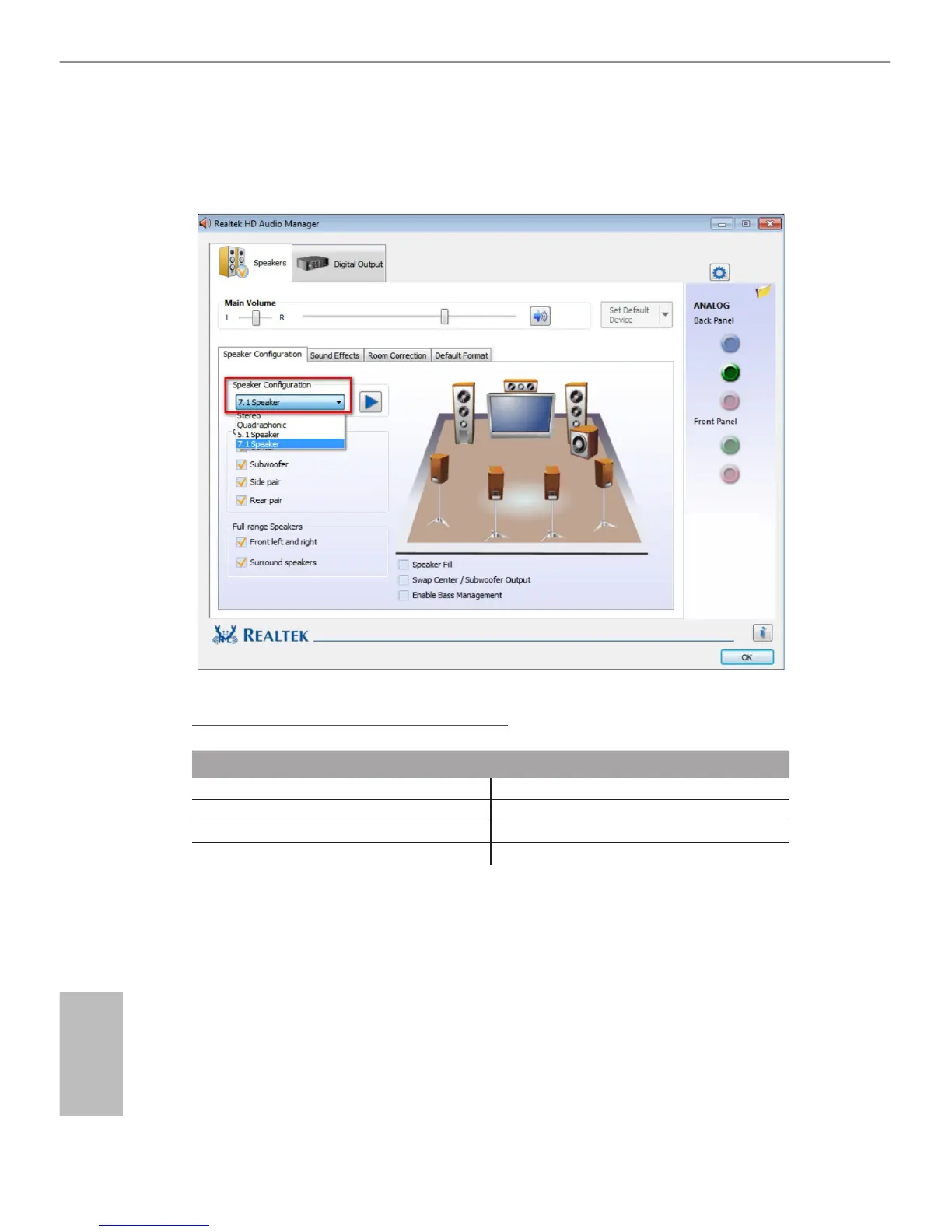
**To congure 7.1 CH HD Audio, it is required to use an HD front panel audio module and enable the multi-
channel audio feature through the audio driver.
Please set Speaker Conguration to “7.1 Speaker”in the Realtek HD Audio Manager.
Function of the Audio Ports in 7.1-channel Conguration:
Port Function
Light Blue (Rear panel) Rear Speaker Out
Lime (Rear panel) Front Speaker Out
Pink (Rear panel) Central /Subwoofer Speaker Out
Lime (Front panel) Side Speaker Out
Chapter 1 Introduction
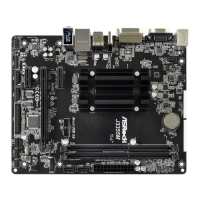
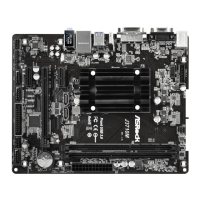
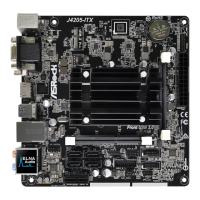
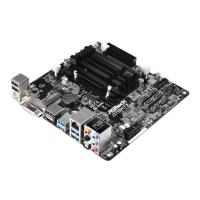
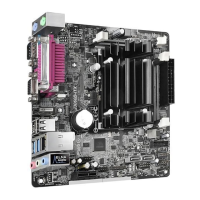
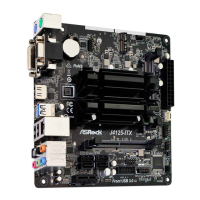
ank you for purchasing ASRock J3455B-ITX/J3355B-ITX motherboard, a reliable
motherboard produced under ASRock’s consistently stringent quality control.
It delivers excellent performance with robust design conforming to ASRock’s
commitment to quality and endurance.
1.1 Package Contents
•
ASRock J3455B-ITX/J3355B-ITX Motherboard (Mini-ITX Form Factor)
•
ASRock J3455B-ITX/J3355B-ITX Quick Installation Guide
•
ASRock J3455B-ITX/J3355B-ITX Support CD
•
2 x Serial ATA (SATA) Data Cables (Optional)
•
1 x I/O Panel Shield


 To Next Page
 Loading...