5252
5252
52
BIOS SETUP UTILITY
Chipset Settings
Select Screen
Select Item
+- Change Option
F1 General Help
F9 Load Defaults
F10 Save and Exit
ESC Exit
v02.54 (C) Copyright 1985-2005, American Megatrends, Inc.
Advanced
Select Screen
Select Item
+- Change Option
F1 General Help
F9 Load Defaults
F10 Save and Exit
ESC Exit
ENABLE: Allow
remapping of
overlapped PCI memory
above the total
physical memory.
DISABLE: Do not allow
remapping of memory.
Primary Graphics Adapter
[PCI]
Onboard HD Audio
Front Panel
CD-In
OnBoard Lan
Intel VT-d Configuration
[Auto]
[Enabled]
[Enabled]
[Enabled]
3.4.23.4.2
3.4.23.4.2
3.4.2
Chipset ConfigurationChipset Configuration
Chipset ConfigurationChipset Configuration
Chipset Configuration
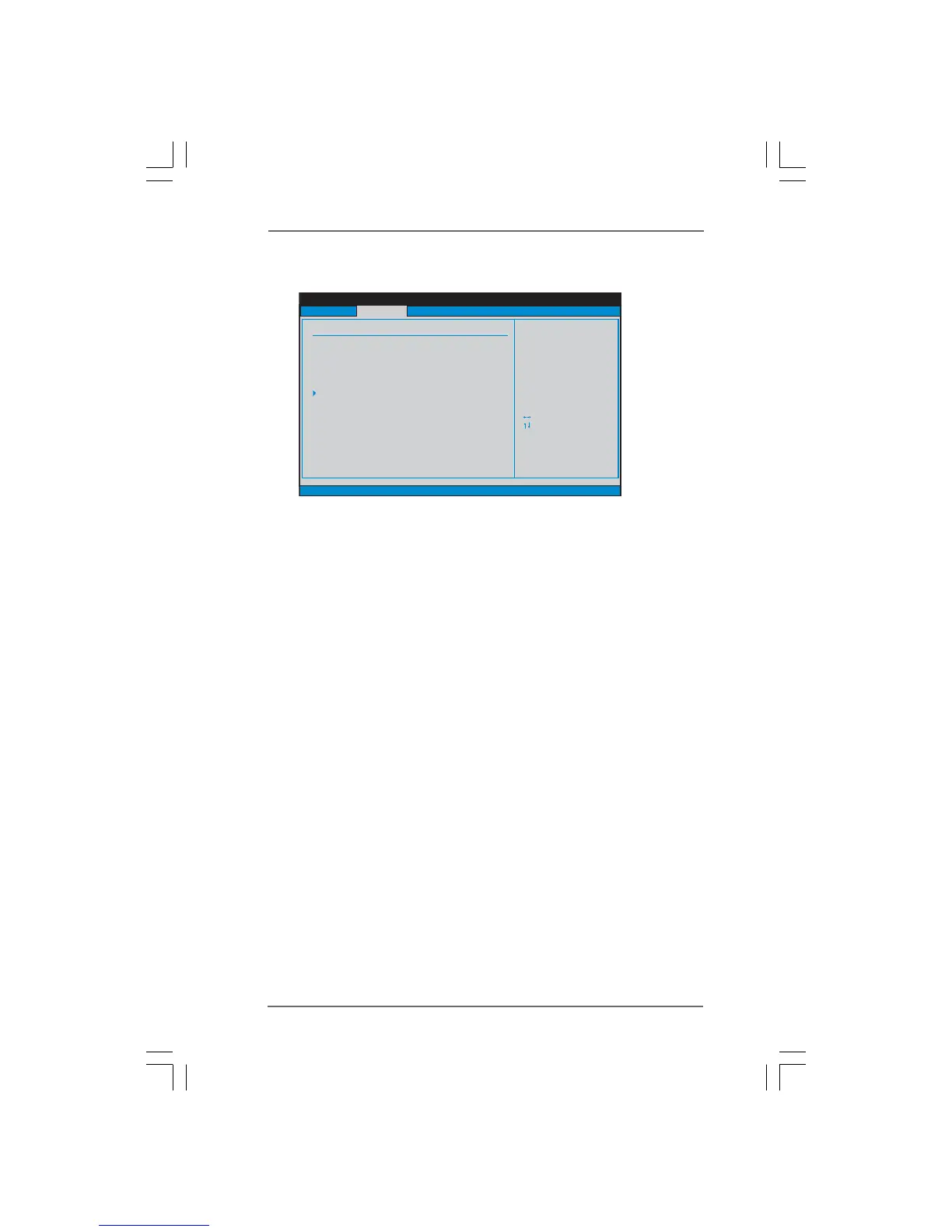
Primary Graphics Adapter
This allows you to select [PCI] or [PCI Express] as the boot graphic adapter
priority. The default value is [PCI].
Onboard HD Audio
Select [Auto], [Enabled] or [Disabled] for the onboard HD Audio feature. If you
select [Auto], the onboard HD Audio will be disabled when PCI Sound Card is
plugged.
Front Panel
Select [Auto], [Enabled] or [Disabled] for the onboard HD Audio Front Panel.
CD-In
Use this item to enable or disable CD-In of OnBoard HD Audio. If you plan
to use this motherboard to submit Windows
®
Vista
TM
logo test, please
disable this option.
OnBoard Lan
This allows you to enable or disable the “OnBoard Lan” feature.
Intel VT-d Configuration
Use this to enable or disable Intel
®
VT-d technology (Intel
®
Virtualization
Technology for Directed I/O). The default value of this feature is [Disabled].



 To Next Page