48
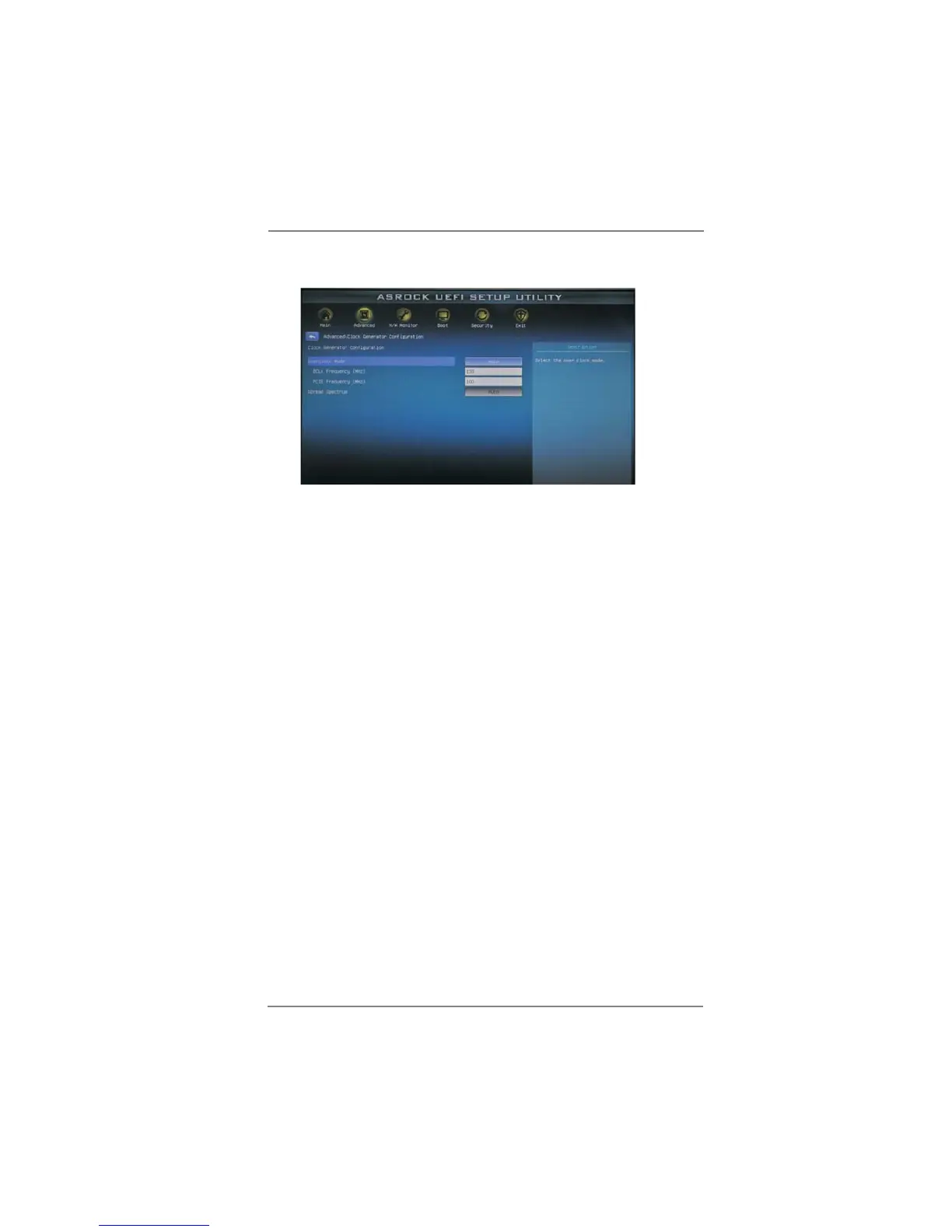
3.4.2 Clock Generator Configuration
Overclock Mode
Use this to select Overclock Mode. Con guration options: [Auto], [Manual],
[I.O.T.] and [Optimized]. The default value is [Auto]. If you select [Manual],
Untied Overclocking function is enabled. Please refer to page 39 for the
details of Untied Overclocking Technology. Therefore, you are allowed to
adjust the BCLK frequency and PCIE frequency in the following two items.
If you select [I.O.T.] (Intelligent Overclocking Technology), the system will
automatically enable the overclocking function when your CPU is heavy
loaded.
BCLK Frequency (MHz)
Use this option to adjust BCLK (Internal Base Clock) frequency.
PCIE Frequency (MHz)
Use this option to adjust PCIE frequency.
Spread Spectrum
This item should always be [Auto] for better system stability.



 To Next Page
 Loading...