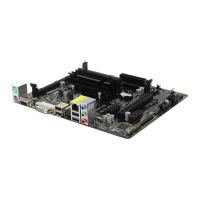
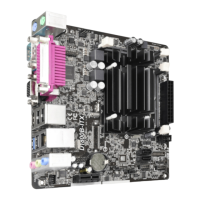
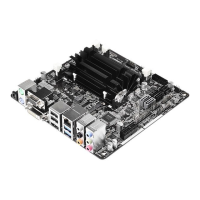
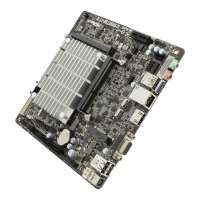
Q1900-ITX
33
English
For iOS or Android Mobile Devices users:
Download and install “Orbweb.ME Professional” app from the App Store (iOS) or Play
Store (Android).
Step 1
Tap the “Orbweb.ME Professional” app icon to launch it.
Step 2
Log in with your Orbweb.ME account and password.
Step 3
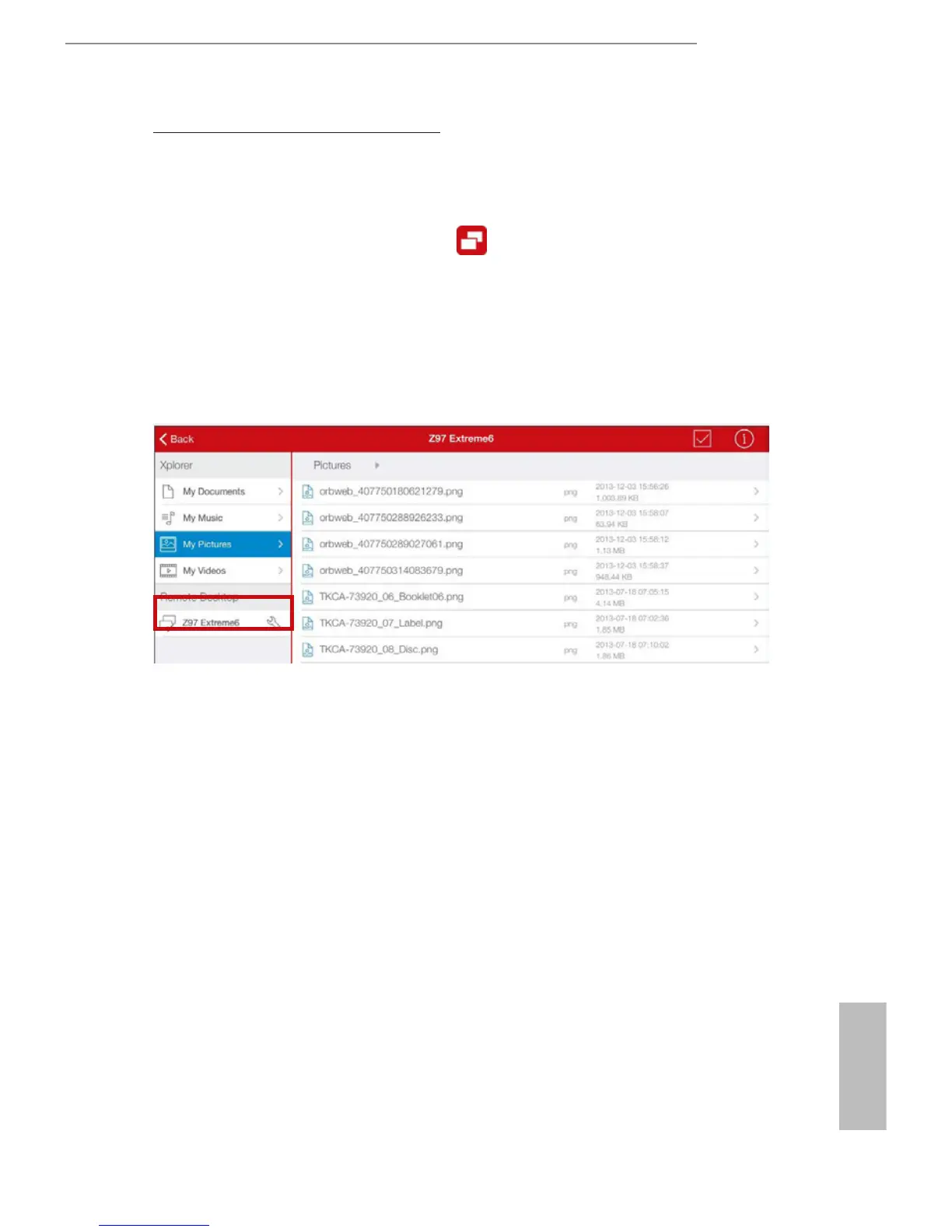
Tap the host computer name that you want to access under the Remote Desktop section.
Step 4
Enter the Windows password to log in and you will see the desktop of your host computer.


 To Next Page
 Loading...