Driver Installaon
1. Insert the support CD into your opcal drive.
2. Follow the on-screen instrucons to complete driver installaon.
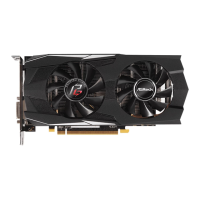
*The graphics card photos in this document are for reference only, and may be different from the
actual product you purchased.
*Depending on your motherboard, you may need to open the latch on the slot to remove the graphics
card. Please refer to the motherboard documentaon for the proper procedure.
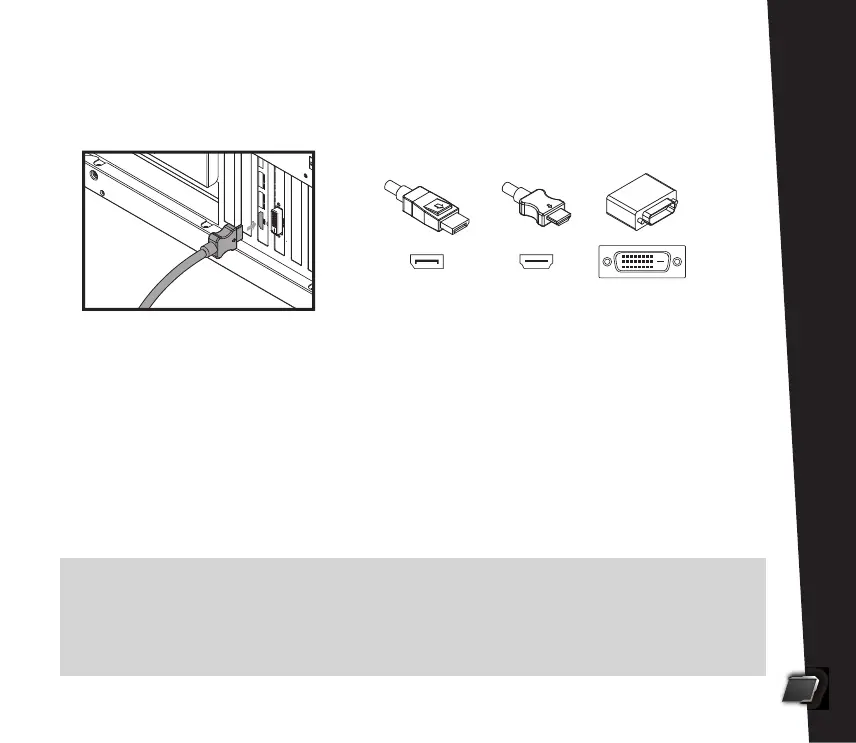
7. Close the case. Plug the display cable into the card.
8. Plug in the power cord and turn on the PC.
2
English
DisplayPort DVI
HDMI


 To Next Page