TIME
CD
Search
Time
Track
Notes:
.
Time searches for an exact time in
the movie.
In Title/Chapter mode, you cannot
SELECT a value outside the range of the
total number of titles or chapters
For some DVD discs, the Search
function is unavailable.
DVD
Search
Time
Title / Chapter
-:--:--
-:--:--
Use the number keys to input the desired Time, Title or Chapter, then press ENTER to confirm.
- - / - -
During playback, press TIME, and the [Track Search] menu will display as follows:
Press TIME again , the [Disc Search] menu will display as follows:
CD
Disc Search
Time
-:--:--
Others
-17-
Remote Control Operation
Advanced Features
- -
Language Video Audio Rating
Language Video Audio Rating
Language Video Audio Rating
-12-
TV shape
TV system
16:9
4:3
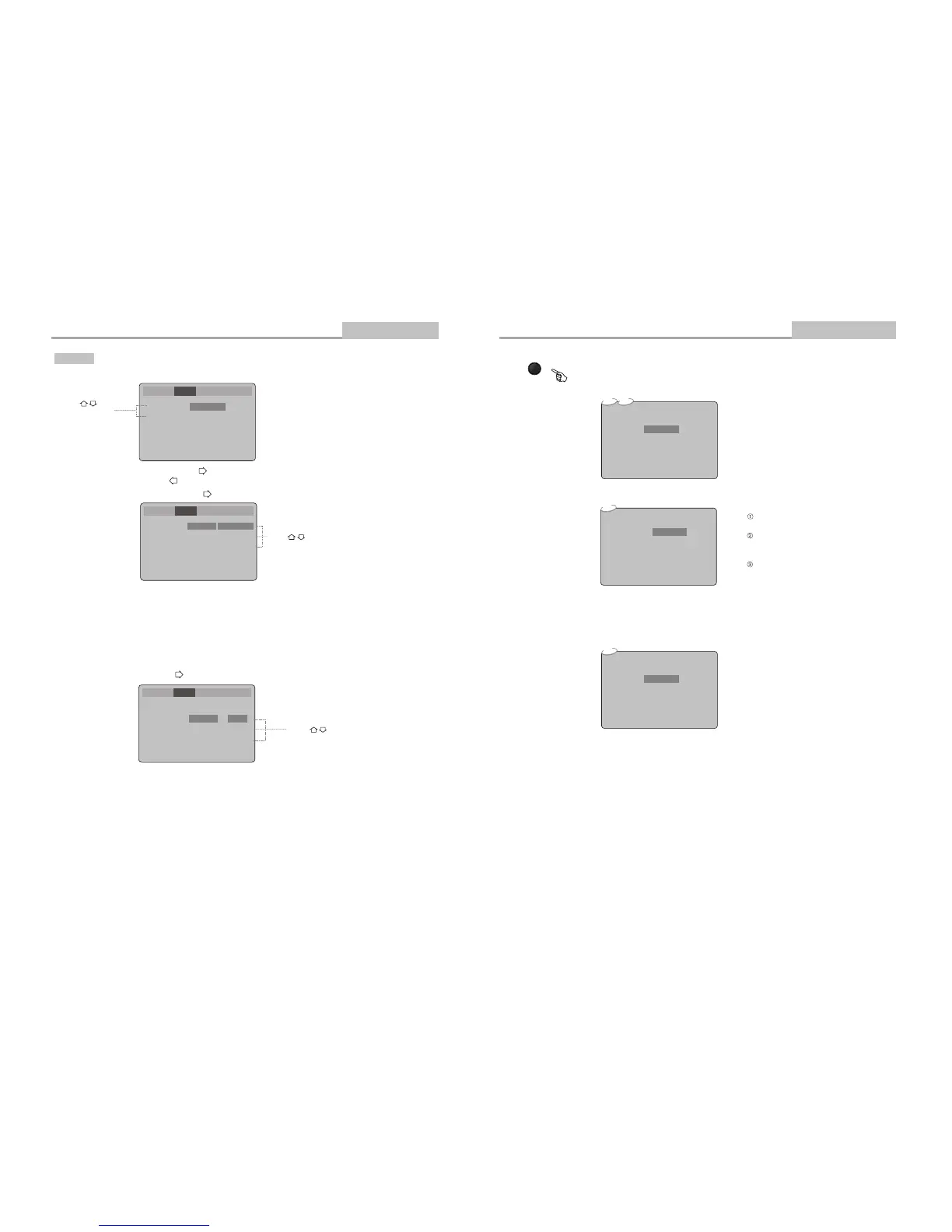
[Video] the [Video] sub :Select in the Setup Menu, and press ENTER to display menu
Video Setup
A . Press ENTER to confirm B. Press SETUP to exit the Setup Menu
Press to change your selection
Press to
select the menu
item
Note: Not all DVDs offer movies in Full Screen format. If not, the disc will override your
TV Display setting and the movie will be displayed in Letterbox format.
A or set. Press ENTER to
B. Press to return to the Setup Menu
TV shape
TV system
16:9
NTSC
[4:3] -Letter Box refers to pictures where black bands appear at the
top and bottom.
[16:9] -The picture fills the screen of a wide-screen (16:9) television.
Advanced Features
Modes and Features Setup
Select [TV shape], and press ENTER or to display the [TV shape] submenu:
[TV system] the [TV system] sub :Select and press ENTER or to display menu
Press to change your selection
A . Press ENTER to confirm
B. Press SETUP to exit the Setup Menu.
TV shape
TV system
16:9
NTSC
16:9
NTSC
NTSC
PAL
AUTO


 To Next Page
 Loading...