IB-2003 Series 40 Transfl ite-Stationary Conveyor 60
Appendix C: Belt Tension Instructions
Power
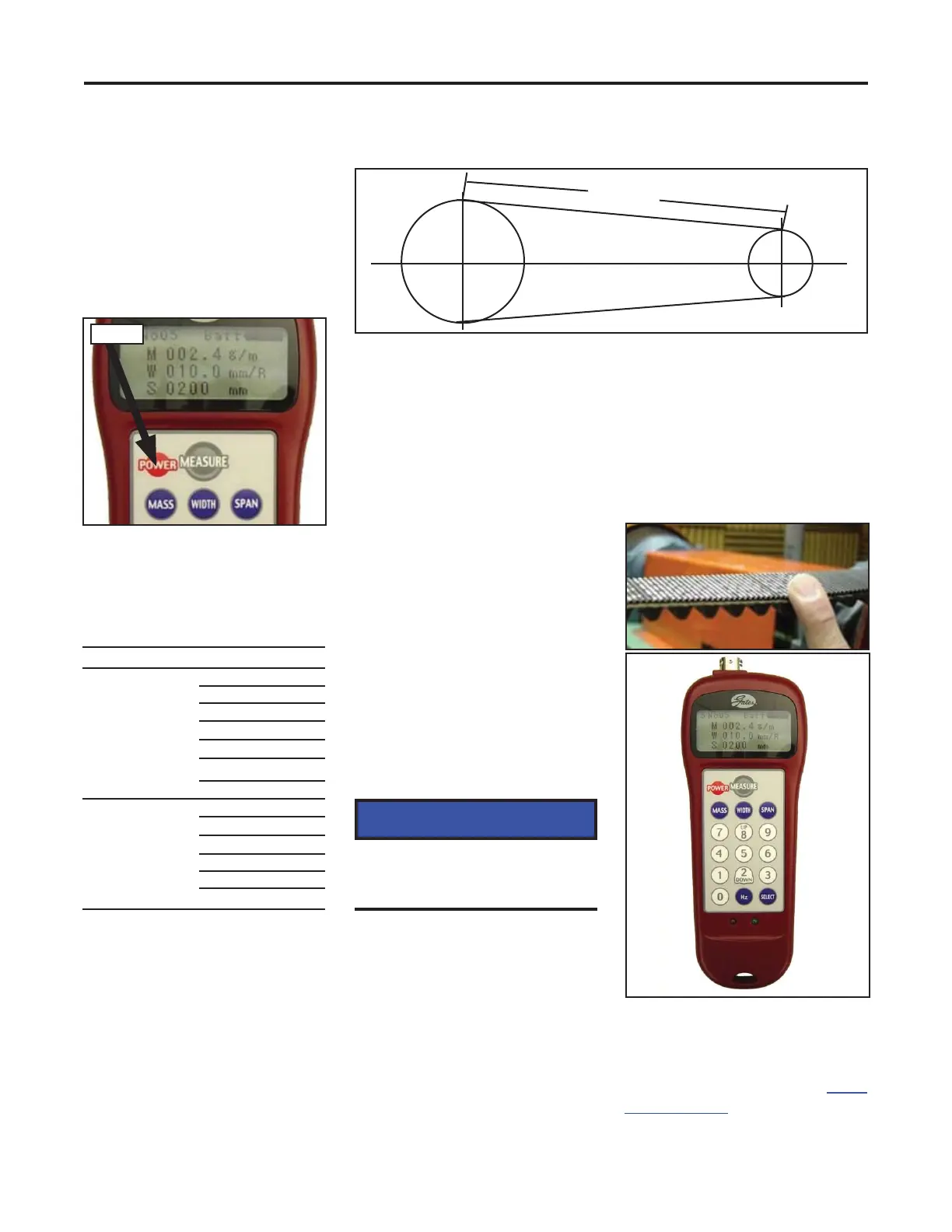
2. Press the blue MASS
button and enter belt unit
weight in grams/meter.
3. Press the blue WIDTH
button and enter the width
in millimeters for the belt.
On FT2640, the belt width
is 37 mm.
For v-belts, enter the
number of strands.
Belt Mass
007.9
Single v-belts
Multiple rib/
strand v-belts
(per strand)
5V
5V
5VX
8V
5VX
8V
200
158
510
241
185
579
Be careful not to damage
the belt or other drive
components.
NOTICE
Use the following procedure to
use the Gates sonic belt tester
to measure belt tension.
1. Attach the sensor and turn
the power on.
Sonic Belt Tension Instructions
Belt Span
Measuring Belt Span
4. Measure the belt span.
Press the blue SPAN
button and enter span
length in millimeters.
5. Press the gray MEASURE
button. The green light
below the number pad will
begin fl ashing to indicate
measurement is in
progress.
6. Pluck or tap the belt to
make it vibrate. In some
cases, it may be necessary
to tap the belt with the
handle of a screwdriver to
achieve suffi cient vibration
for measurement.
7. Hold the sensor
approximately 3/8” from
the belt. Do not touch the
belt with the sensor.
The green light will turn off
after a signal is received
and remain off for
approximately 1-2 seconds
during calculation. The
measured belt tension is
then displayed.
The red light will display if
there is no reading or a
measurement error.
©Gates Corporation
Poly Chain GT Carbon
B 168
BX 144
3V 72
3VX 61
B 200
3V 96
3VX 70
Sonic Belt Tester
(p/n 296097)
Gates Corporation. 2009. Sonic
tension meter powerpoint. www.
gates.com/stm



 To Next Page