Commonly Used Icons
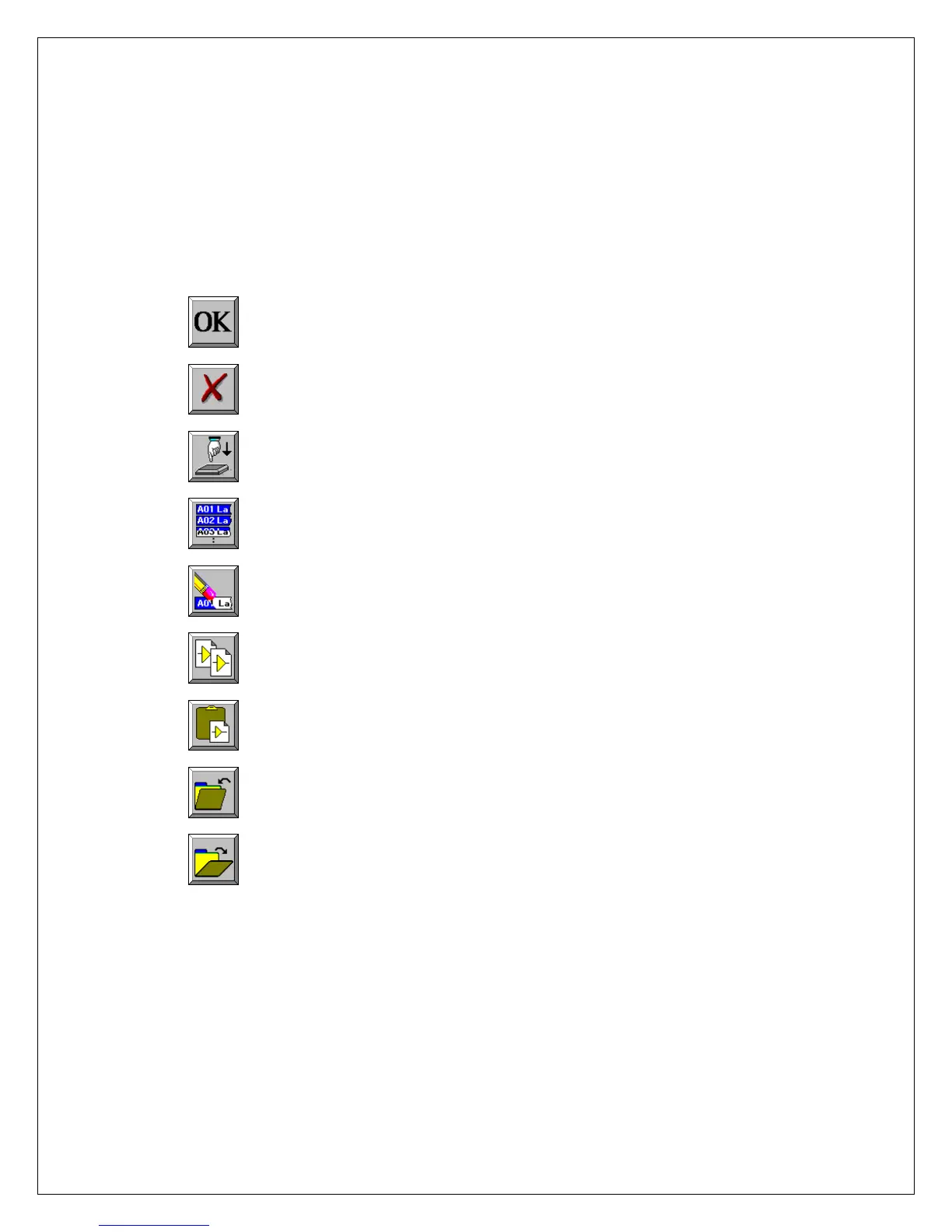
The following icons are commonly used in Dash 8Xe / Dash 8X windows:
OK saves the information you entered in a window and then closes the window.
Exit cancels the action you were performing in a window and
closes the window without saving any changes.
Apply saves the information you modified in a window without closing the window.
Select All selects/highlights all items in a list box.
Clear Selection removes the selections/highlights from all items in a list box.
Copy copies the selected items (or characteristics of selected items) to the clipboard.
Paste pastes the clipboard contents to the selected location.
Save saves current configurations to a file on your disk.
Load loads configurations from a file on your disk.
4


 To Next Page
 Loading...