EasyManua.ls Logo

ASTRO AstroJet 1000 - User Manual

ASTRO AstroJet 1000
57 pages
Print Icon
To Next Page IconTo Next Page
Loading...
ASTRO
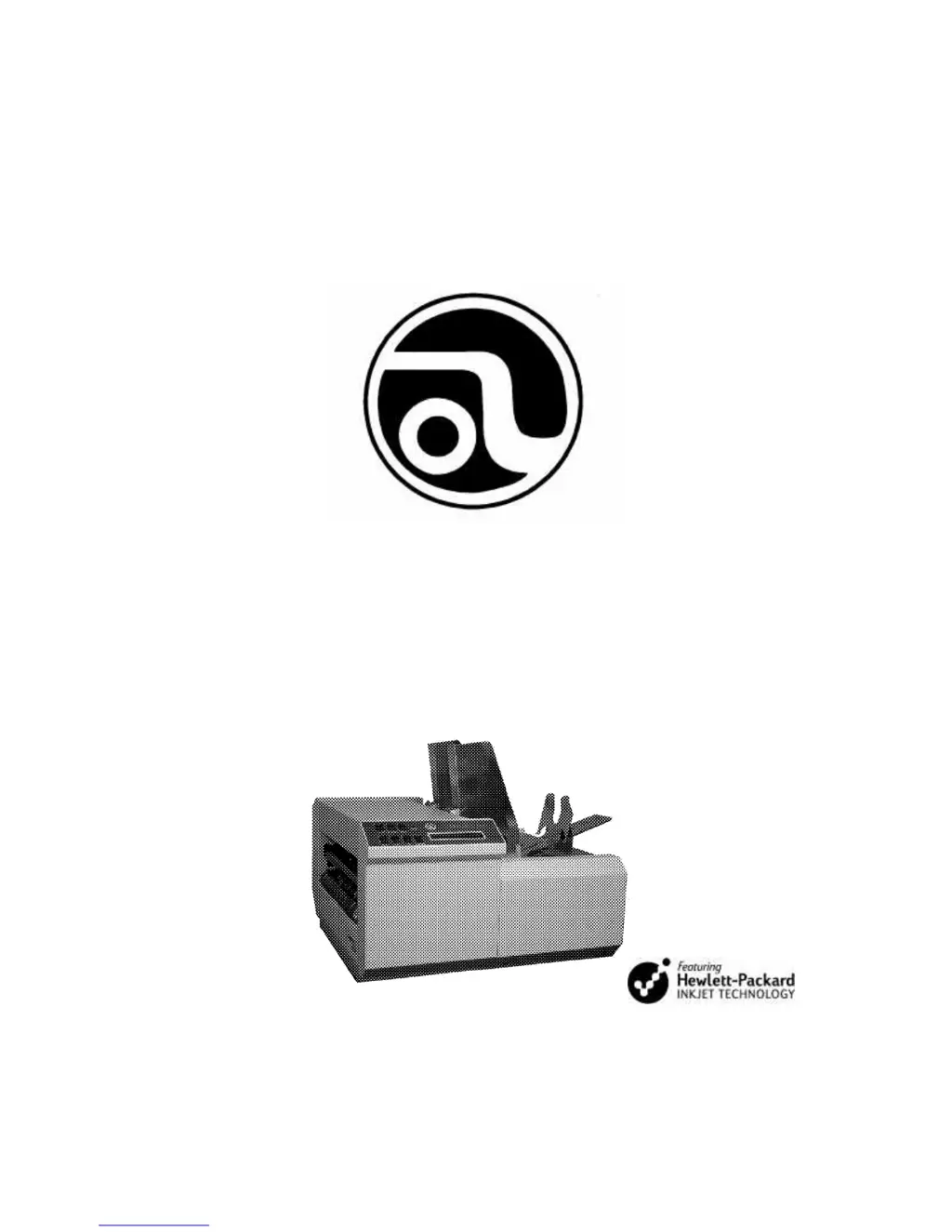
AstroJet 1000
Inkjet Printer
Installation, and Operating Manual

Questions and Answers

  • T
    Tracy MooreAug 19, 2025
    Why ASTRO Printer does not turn on?
    • S
      Stephanie GillAug 19, 2025
      If your ASTRO Printer doesn't turn on, the cause may be no power to the printer. Check that the power cord is plugged in, the power outlet is live, and the fuse on the power switch is working.
  • M
    Margaret PollardAug 21, 2025
    What to do if ASTRO AstroJet 1000 Printer media jams?
    • S
      solomonkerryAug 21, 2025
      If your ASTRO Printer is experiencing media jams, it could be due to several reasons: * Double feeding * Curled or bent media * Media that is too thin or too thick * Media less than 1/4” * Fails to feed To resolve this, try the following: * Adjust the feeder * Uncurl the media * Ensure the media is at least 0.008” thick * Ensure the media is less than 1/4” thick * Jog contents of piece to feed end * Side guides too tight
  • D
    Debra LynchAug 23, 2025
    How to fix improper output on ASTRO AstroJet 1000 Printer?
    • M
      Mark WallaceAug 23, 2025
      Improper output on your ASTRO Printer, such as address information being out of order or misfeeding, can be caused by wrong interface settings, static electricity, or a dirty media sensor. To fix this, check the software or database on your PC, turn the AstroJet 1000 off and on, and clean the media sensor.
  • J
    Joseph GillAug 26, 2025
    What to do if my ASTRO AstroJet 1000 is printing in the wrong location?
    • B
      bhallAug 26, 2025
      If your ASTRO Printer is printing too far to the left or right, or too high or low on the mailing piece, make sure that the size of the mailing piece entered in the Setup Menu is correct. Ensure that the piece on the Layout Screen looks EXACTLY the way you want your piece to look. Use the rulers to verify that the fields are located the proper number of inches form the edges. Adjust the left margin setting. Check the product detection sensor to verify that it is properly aligned. Check image on layout screen. Adjust the paper guide, or individual printheads on their mounting brackets to adjust how far from the bottom edge of a piece the fields are printed.
  • L
    Laura GarciaAug 28, 2025
    How to fix white streaks in text or graphics on ASTRO Printer?
    • L
      Lisa ScottAug 28, 2025
      If you're seeing white streaks in text or graphics printed by your ASTRO Printer, try these steps: re-insert the cartridge into the carriage, wet wipe and purge the cartridge (as there may be clogged nozzles), clean interconnects, or insert a new print cartridge.
  • B
    Beth GillespieAug 30, 2025
    What to do if ASTRO AstroJet 1000 Printer cartridge will not print?
    • D
      Dr. Lori HaneyAug 30, 2025
      If the cartridge in your ASTRO Printer will not print, check to make sure the tape is off the printhead, remove and reinsert the cartridge into the carriage holder, install a new print cartridge, clean the cartridge, and check the media thickness adjustment.
  • N
    nelsonandreSep 2, 2025
    How to fix ASTRO AstroJet 1000 Printer not printing on media?
    • P
      Paige AllenSep 2, 2025
      If your ASTRO Printer is not printing on the media, it might be because the media is not positioned properly. To resolve this, adjust the print band vertically and adjust the media margin setting on the AstroJet 1000.
  • W
    wendycarrollSep 4, 2025
    What causes black streaks around text on ASTRO AstroJet 1000 and how to fix it?
    • J
      Jennifer MillerSep 4, 2025
      Black streaks around text from your ASTRO Printer may be due to ink buildup or dirt on the cartridge. Wet wipe the cartridge to resolve this. Also, check the media thickness adjustment, as it may be too close.
  • T
    Troy BowmanSep 6, 2025
    How to resolve an ASTRO AstroJet 1000 'Template File is Corrupt' error?
    • J
      james33Sep 6, 2025
      To resolve a 'Template File is Corrupt' error on your ASTRO Printer, re-open the AstroJet 1000 Layout Editor and attempt to open the file. Re-save the file and attempt to open the AstroJet 1000 Control Panel again. If the file still will not open in the AstroJet 1000 Layout editor, restart the computer and try again. Try a backup or older copy of the .ajpjt file
  • C
    Christine HuangSep 8, 2025
    Why is my ASTRO AstroJet 1000 Printer printing too light, or why are character dots missing?
    • J
      John CarrilloSep 9, 2025
      If your ASTRO Printer is printing too lightly or missing character dots, this could be caused by clogged or dirty printheads or running out of ink. Either purge or clean the cartridges, or replace the inkjet cartridges.

Summary

SAFETY PRECAUTIONS

Getting Acquainted with AstroJet 1000

CONTROL PANEL Overview

Describes the functions and layout of the printer's control panel interface.

Installing the AstroJet 1000

Connecting the AstroJet 1000

Details the steps for physically connecting the printer to a power source and computer.

Installing the Software on the Computer

Outlines the process for installing the necessary software on the computer.

Software Tutorial and Operation

Setting up the Job

Details the process of configuring job parameters and saving the template.

Running and Configuring the AstroJet 1000

Computer Control Panel Operations

Detailed guide on using the software control panel for job management and printing.

Job Execution and Monitoring

Step-by-step instructions for running, testing, and monitoring print jobs.

Printer Settings and Adjustments

Covers various adjustable printer settings, performance features, and advanced controls.

Maintenance and Cleaning

Inkjet Cartridge Maintenance

Procedures for replacing, storing, and disposing of inkjet cartridges.

Trouble Shooting Guide

Printer and Software Troubleshooting

Common problems and solutions for the printer hardware and software.

ASTRO AstroJet 1000 Specifications

General IconGeneral
BrandASTRO
ModelAstroJet 1000
CategoryPrinter
LanguageEnglish