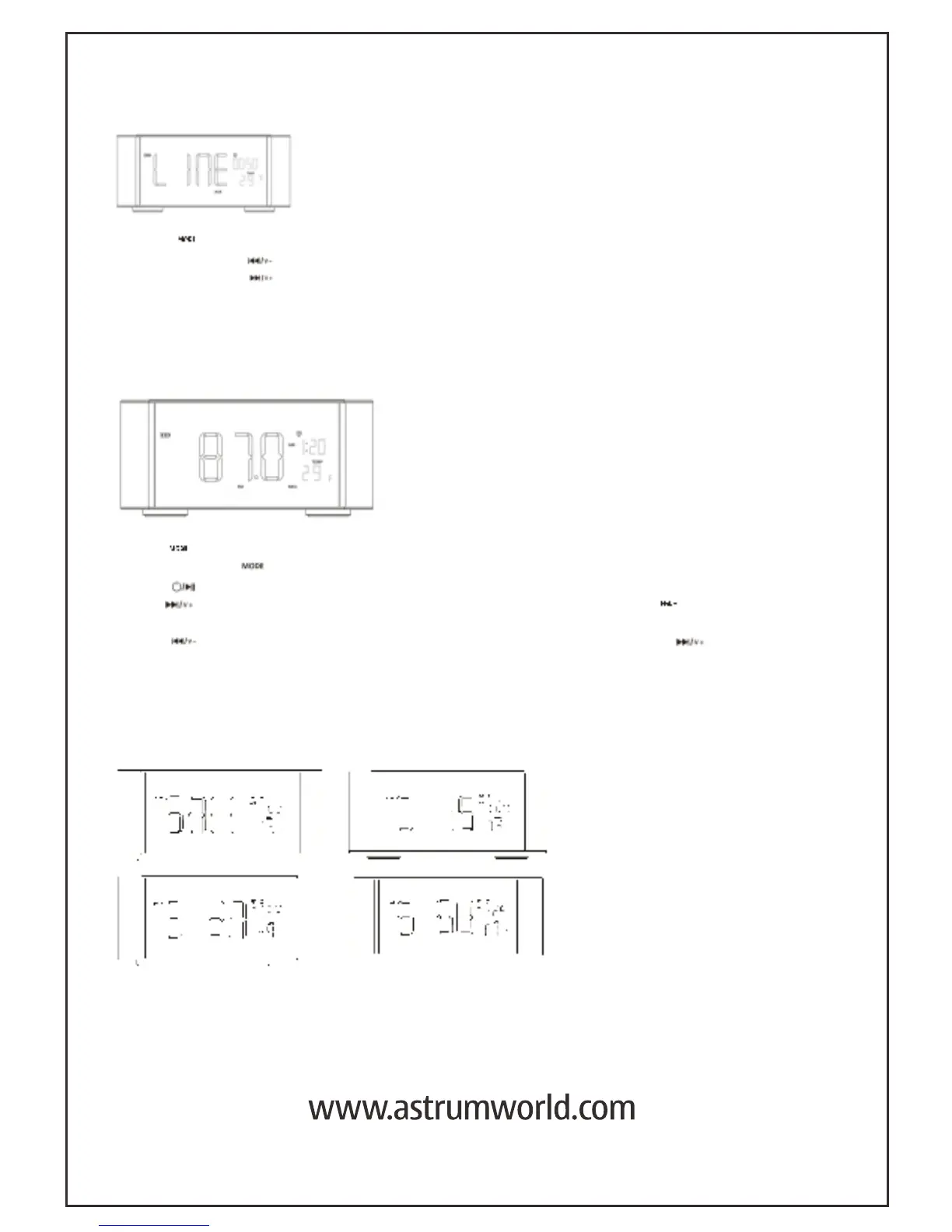
LINE-IN MODE
FM RADIO MODE
SLEEP MODE
®2010 ASTRUM HOLDINGS LIMITED. Astrum is a registered trademark of Astrum Holdings
Limited, Hong Kong. All Rights Reserved. All other trademarks are the property of their
respective owners. All specifications and photos are for reference purposes only .
- Touch “ ” key to enter LINE IN (Aux in) Mode from FM Radio Mode
- Touch and hold “ ” key to decrease the volume.
- Touch and hold ” ” key to increase the Volume .
*LINE-IN cable is plugged in the “AUX” port to connect external player device or
computer audio out.
Touch “ ” key to enter FM Radio Mode from Bluetooth Mode.
Touch and hold “ ” key to search and store the FM Radio stations.
Touch “ ” key to select the stored FM Radio stations
Touch “ ” key to search station manually forward . Touch and hold “ ” key to
decrease the volume. .
Touch ” ” key to search station manually backward. Touch and hold ” ” key
to increase the Volume .
(Adjust the position and connect antenna to enhance FM radio signals.)
1. Touch the “Sleep” key to enter Sleep mode settings. Touch the “Sleep” key again to adjust
the flashing digit in the sequence of S0FF, S15 , S30 ,S60 and S120 to set the count down time.
* The timer can be set for 15mins 30mins, 45mins, 60mins and 120mins to turn off the speaker .
*Next time you want to use sleep timer, please set it again.



 To Previous Page