EasyManua.ls Logo

Asuka HR-630 - User Manual

Asuka HR-630
44 pages
Print Icon
To Next Page IconTo Next Page
Loading...
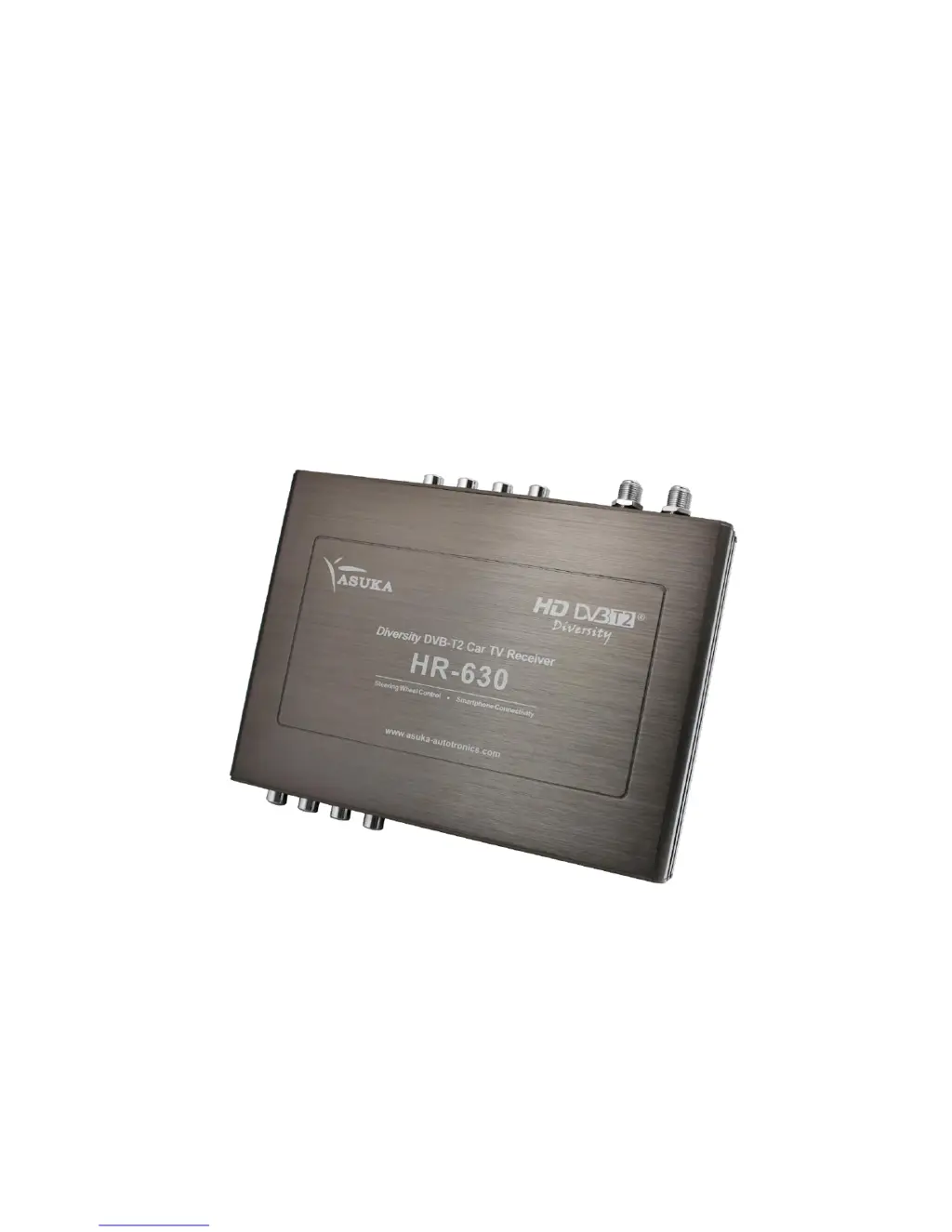
Model: HR-630
CONNECTED Car TV Diversity
Receiver
User Manual

Questions and Answers

  • J
    Joseph SimmonsAug 3, 2025
    Why is there no picture or audio on my Asuka HR-630?
    • C
      Christopher KnappAug 3, 2025
      This can occur if the power cord isn't fully inserted. Check the power wire connection to ensure it's properly connected. Also, make sure the unit is switched on by pressing the [POWER] button on the remote control. The unit might also be in stand-by mode.
  • C
    Carolyn GilbertAug 8, 2025
    What to do if all channels show 'no signal' on Asuka HR-630?
    • M
      Monica HicksAug 8, 2025
      If you're seeing 'no signal' or mosaic tiles, it could be due to low signal quality. Try using active antennas instead of passive ones. Also, verify the antenna connections are secure. Check your country's TV signal coverage map to ensure DVB-T2 service is available in your area. Finally, confirm that the 'Regional Setting' is correct and perform an 'Auto Search' to rescan channels.
  • L
    Lauren MontoyaAug 15, 2025
    Why is my Asuka HR-630 remote control not working?
    • G
      George BanksAug 15, 2025
      First, check the remote control battery. Ensure the plastic insulator has been removed from the remote. Additionally, make sure there's a clear line of sight between the remote and the unit, without any obstructions.
  • M
    mcintoshhaileyAug 20, 2025
    How to fix no sound on Asuka HR-630 but video is fine?
    • B
      blakeowenAug 20, 2025
      If you have video but no sound, the volume might be too low. Press the [VOL ] button to increase the volume. Also, check if the audio is muted by pressing the [MUTE] button to disable the mute function.
  • B
    Brian BowmanAug 27, 2025
    Why does my Asuka HR-630 Receiver have fewer TV channels than expected?
    • J
      James WoodAug 27, 2025
      The number of available channels can be limited by the local broadcasting system and can vary depending on your area. Perform the “Auto Search” function to rescan all available channels. Also, the signal quality of some TV channels might be too low; consider using active antennas instead of passive antennas for better reception.

Summary

Safety and Introduction

General Safety Warnings

Important cautions to prevent electric shock, fire, and damage.

Installation and Placement Safety

Safety guidelines for installing and positioning the unit.

Unit Overview

Remote Control Operations

Explanation of remote control buttons and their functions.

Installation & Configuration Guide

I;O Port Overview

Pin assignments for the Power/SWC/IR port.

Antenna Connection and Routing

Instructions for connecting and positioning antennas.

Smartphone Connectivity Setup

Steps for connecting iOS and Android devices via HDMI.

SWC Integration and Operation

How to integrate and operate the HR-630 using SWC.

SWC Control System Configuration

Details wiring and connection for SWC.

SWC Learning Procedure

Step-by-step guide to configure SWC buttons.

Touch Control with Head Units

How to enable touch control with compatible head units.

Quick Guide for First-time User

System Settings

SWC Learning Configuration

Procedure to configure SWC buttons for device control.

Troubleshooting and Specifications

Common Issues and Solutions

Table of common problems and their respective solutions.

Asuka HR-630 Specifications

General IconGeneral
BrandAsuka
ModelHR-630
CategoryReceiver
LanguageEnglish