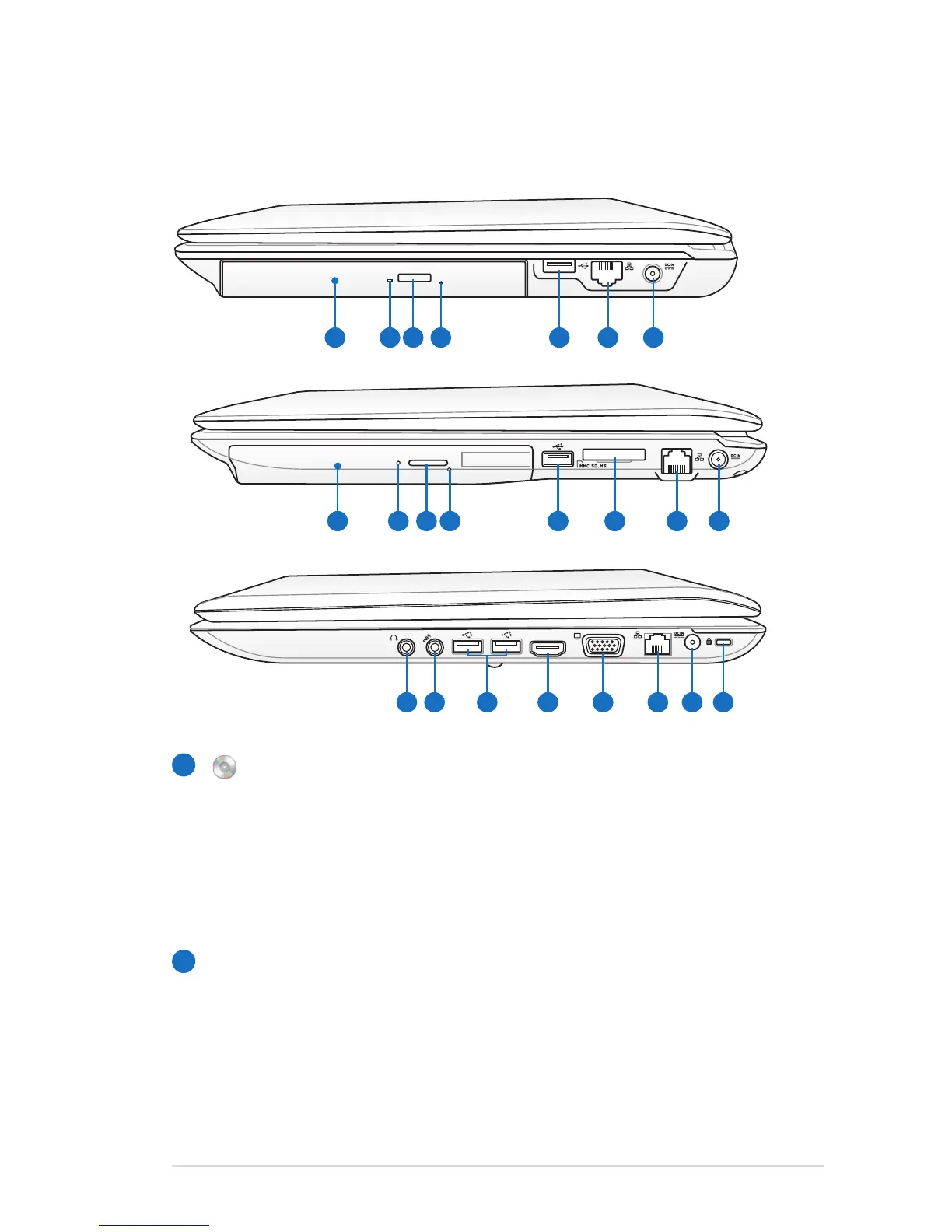
Optical Drive
The Notebook PC comes in various models with different
optical drives. The Notebook PC’s optical drive may support
compact discs (CD) and/or digital video discs (DVD) and
may have recordable (R) or re-writable (RW) capabilities.
See the marketing specifications for details on each model.
Optical Drive Activity Indicator
(location varies by model)
The optical drive activity indicator shows when data is
being transferred by the optical disk drive. This indicator
will light in proportion to the data size transferred.
14” model
15.6”/16” model
17.3” model


 To Next Page