Notebook PC User Manual
45
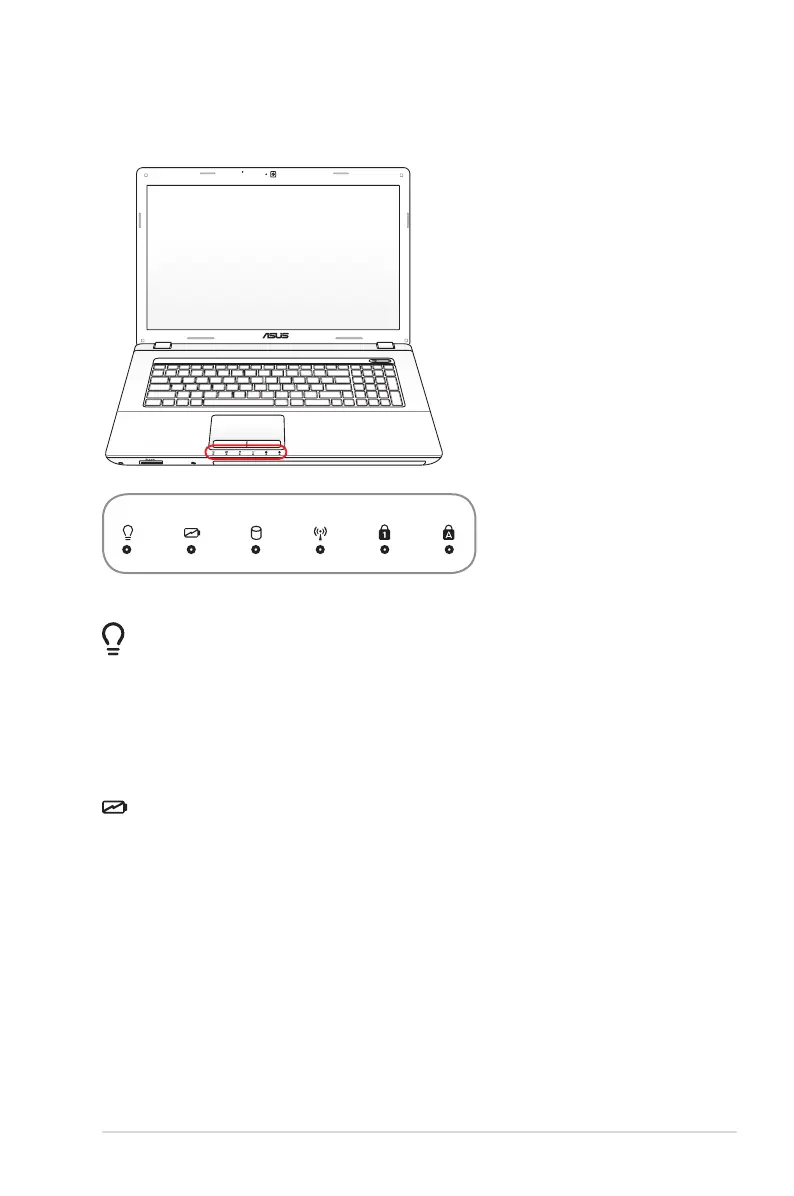
Status Indicators
Power Indicator
The power indicator lights when the Notebook PC is turned ON
and blinks slowly when the Notebook PC is in the Suspend-to-
RAM (Sleep) mode. This indicator is OFF when the Notebook PC
is turned OFF or in the Suspend-to-Disk (Hibernation) mode.
Battery Charge Indicator (dual-color)
The dual-color battery charge indicator shows the status of the
battery’s power as follows:
Green ON: Battery power is between 95% and 100% (with AC
power).
Orange ON: Battery power is less than 95% (with AC power).
Orange Blinking: Battery power is less than 10% (without AC
power).
Off: Battery power is between 10% and 100% (without AC
power).


 To Next Page