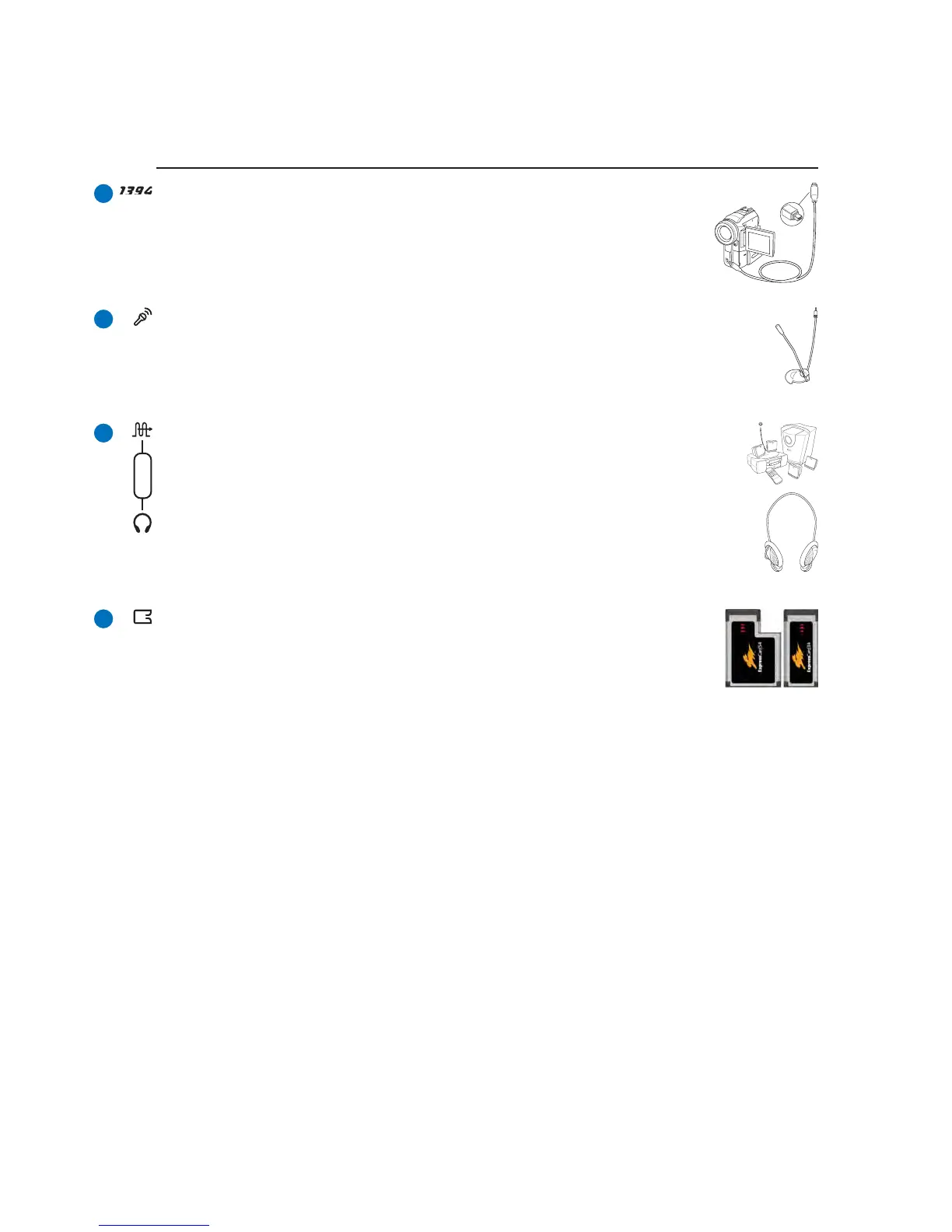
Microphone Input Jack (Mic In)
The mono microphone jack (1/8 inch) can be used to connect an external microphone or
output signals from audio devices. Using this jack automatically disables the built-in
microphone. Use this feature for video conferencing, voice narrations, or simple audio
recordings.
SPDIF Output Jack
This jack provides connection to SPDIF (Sony/Philips Digital Interface) compliant devices
for digital audio output. Use this feature to turn the Notebook PC into a hi-fi home
entertainment system.
Headphone Output Jack
The stereo headphone jack (1/8 inch) is used to connect the Notebook PC’s audio out signal to
amplified speakers or headphones. Using this jack automatically disables the built-in speakers.
Combo
ExpressCard Slot
One 26pin Express card slot is available to support one ExpressCard/34mm or one
ExpressCard/54mm expansion card. This new interface is faster by using a serial bus
supporting USB 2.0 and PCI Express instead of the slower parallel bus used in the PC
card slot. (Not compatible with previous PCMCIA cards.)
IEEE1394 Port
IEEE1394 is a high speed serial bus like SCSI but has simple connections and hot-
plugging capabilities like USB. The interface IEEE1394 has a bandwidth of 100-
400 Mbits/sec and can handle up to 63 units on the same bus. IEEE1394 is also used
in high-end digital equipment and should be marked “DV” for Digital Video port.



 To Next Page