Firmware Update
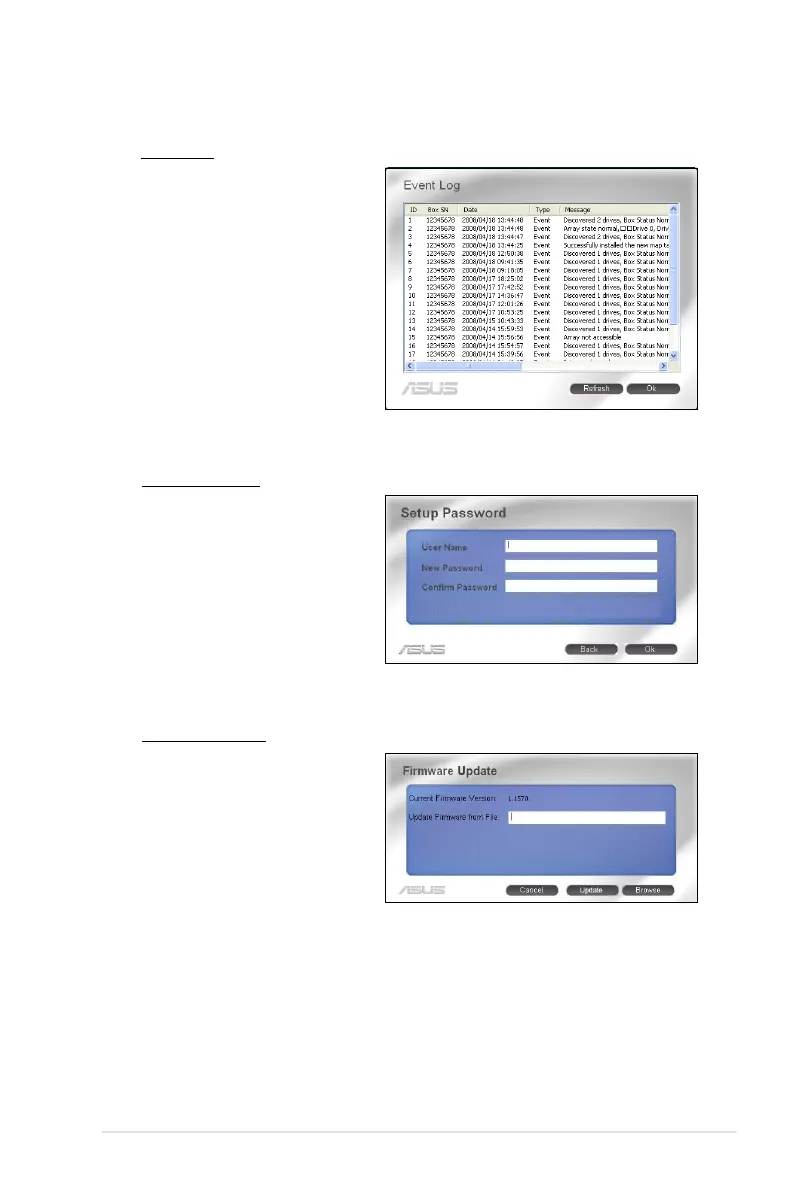
Allows you to update the
rmware. Click Browse to
locate the rmware le that
you want to update. Then click
Update to start the update
process.
Event Log
Displays event log list
that might be helpful for
troubleshooting and locating
a system malfunction. Click
Refresh to update the event
log list; and click Ok to close
the window.
Setup Password
Allows you to set the password
for conguration access. Key in
the user name and password.
Click Ok to apply the settings.



 To Next Page