Using Drive Xpert function in Express Gate SSD environment
You may use Drive Xpert function in Express Gate SSD environment by preparing
only two hard disks.
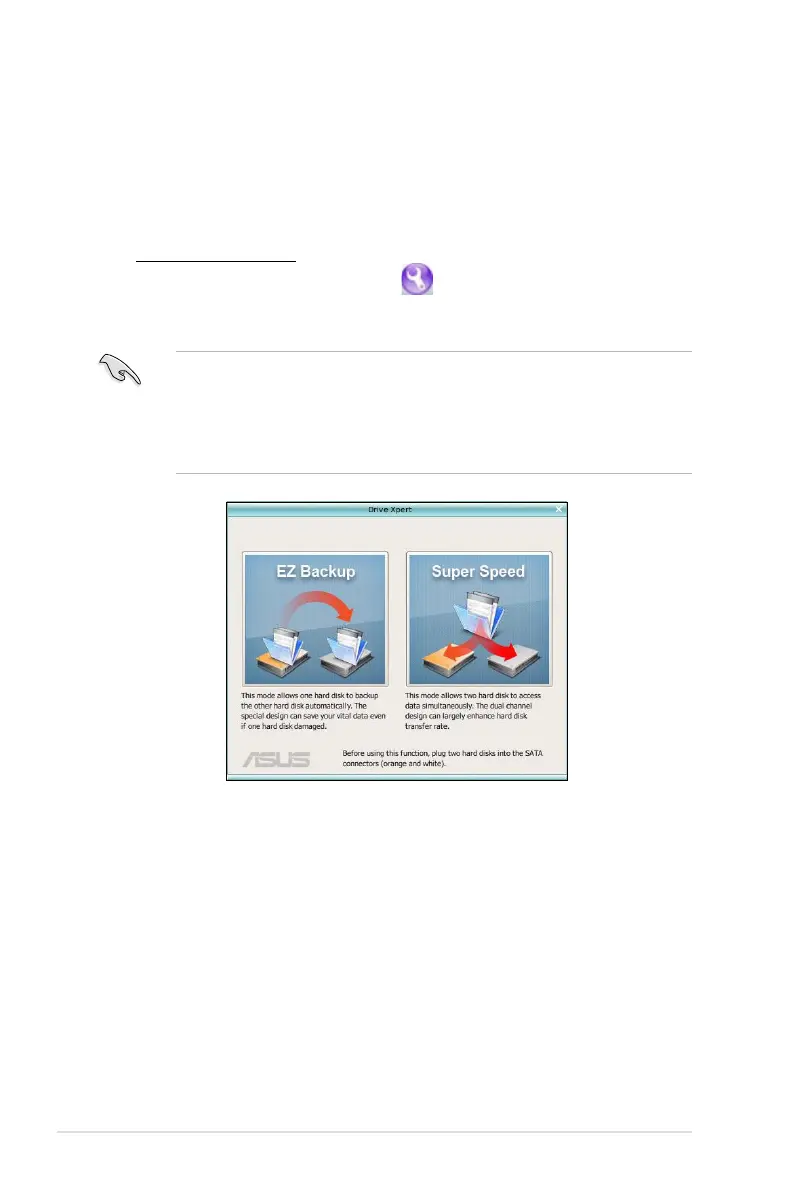
Launching Drive Xpert
To open the ASUS Utility panel, click . Launch Drive Xpert from the ASUS
Utility panel. The main screen as shown below appears. Select EZ Backup or
Super Speed according to your need.
Before using the Drive Xpert function, ensure that you have back up all your
data in your hard disks.
•
EZ Backup erases all original data in the hard disk connected to the
SATA_E2 (white, port 1) connector on the motherboard.
•
Super Speed erases all original data in both hard disks.



 To Next Page