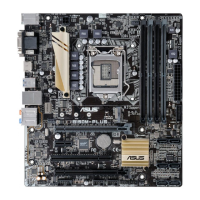
ASUS B150-PLUS
1-13
1.7 Connectors
1.7.1 Rear panel connectors
LAN port
SPEED
LED
ACT/LINK
LED
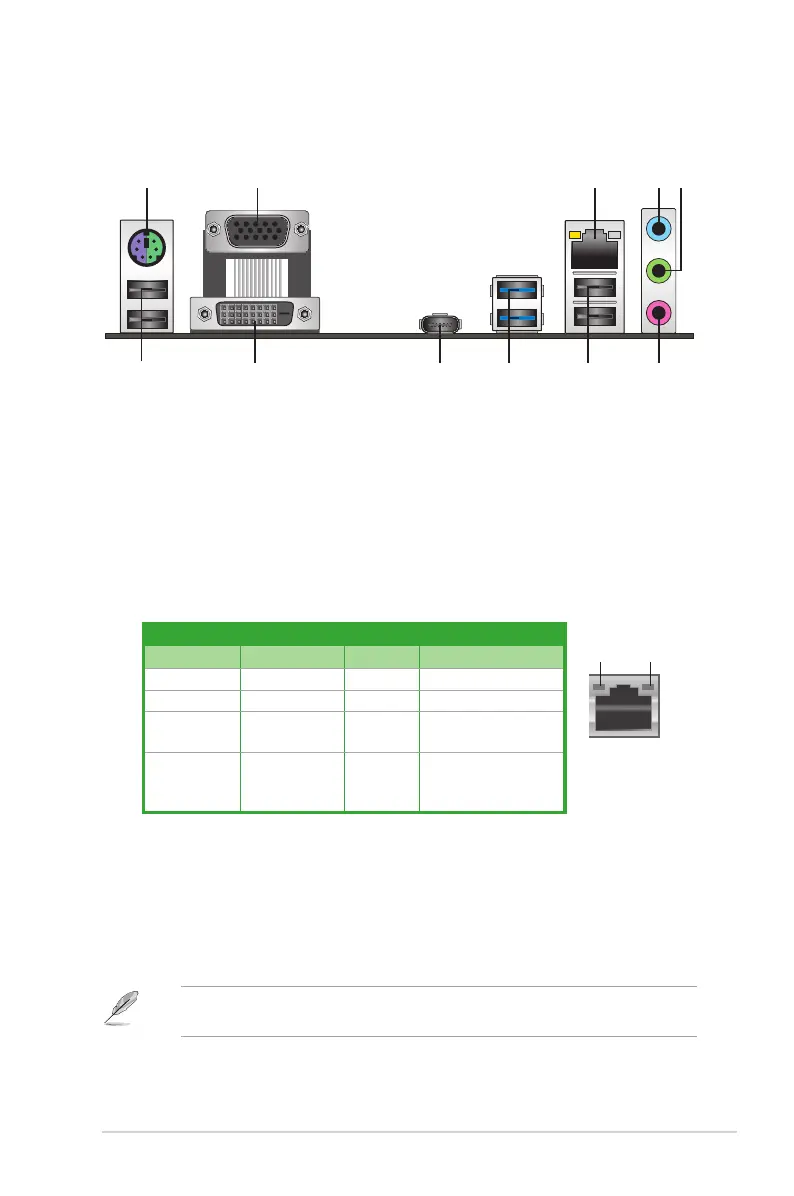
4. Line In port (light blue).Thisportconnectstothetape,CD,DVDplayer,orother
audio sources.
5. Line Out port (lime). Thisportconnectstoaheadphoneoraspeaker.Inthe4.1,5.1,
and7.1-channelcongurations,thefunctionofthisportbecomesFrontSpeakerOut.
6. Microphone port (pink). This port connects to a microphone.
Refertotheaudiocongurationtableonthenextpageforthefunctionoftheaudioportsin
2.1,4.1,5.1,or7.1-channelconguration.
Activity/Link LED Speed LED
Status Description Status Description
Off Nolink OFF 10Mbpsconnection
Orange Linked ORANGE 100Mbpsconnection
Orange
(Blinking)
Dataactivity GREEN 1Gbps connection
Orange
(Blinkingthen
steady)
Readyto
wake up from
S5mode
_ _
1. PS/2 Mouse/Keyboard combo port.ThisportconnectstoaPS/2mouseorPS/2
keyboard.
2. Video Graphics Adapter (VGA) port. This15-pinportisforaVGAmonitororother
VGA-compatibledevices.
3. LAN (RJ-45) port.TheseportsallowGigabitconnectiontoaLocalAreaNetwork
(LAN)throughanetworkhub.
LAN port LED indications
2 4 53
6
89 710
1
7



 To Next Page