3-9ASUS BE Series LCD Monitor
• The detective range may be slightly different if user wears dark or bright
colored clothing. Set the sensitivity to High when wearing black or other
dark clothes.
• Please do not put any object too close to the Human Sensor to avoid any
interference.
• Power Key Lock: Enables or disables the power key.
• All Reset: “Yes” allows you to restore the default settings.
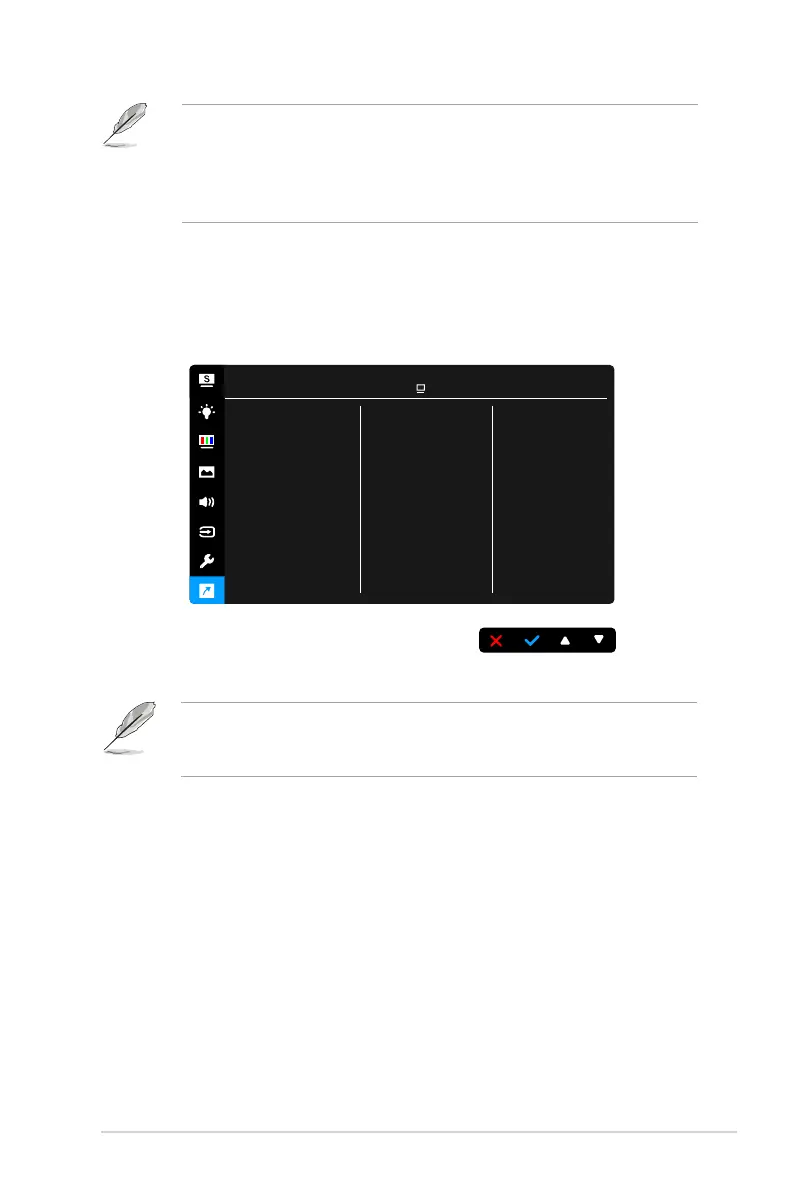
8. Shortcut
Defines the functions for Shortcut 1 and 2 buttons.
Shortcut 1
Shortcut 2
Shortcut
ASUS BE229
Standard Mode VGA 1920 x 1080 @ 60Hz
• Shortcut 1/Shortcut 2: selects a function for Shortcut 1 and 2 buttons.
When a certain function is selected or activated, your shortcut key may not
support. Available function choices for shortcut: Blue Light Filter, Splendid,
Brightness, Auto Adjust, Contrast, Color Temp., Volume.



 To Next Page