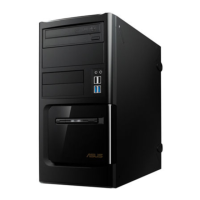
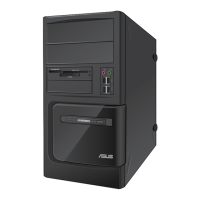
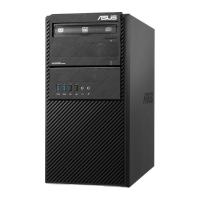
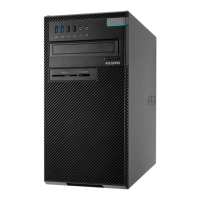
iii
ENGLISH
Contents
Notices ..........................................................................................................iv
Safety information ..........................................................................................vi
Conventions used in this guide ..................................................................... vii
Where to fi nd more information .................................................................... vii
Package contents ........................................................................................ viii
Chapter 1: Getting started
Welcome! .................................................................................................... 1-1
Getting to know your computer ................................................................... 1-1
Setting up your computer .......................................................................... 1-10
Turning your computer ON/OFF ............................................................... 1-15
Chapter 2: Using Windows
®
7
Starting for the fi rst time .............................................................................. 2-1
Using Windows
®
7 desktop ......................................................................... 2-2
Managing your fi les and folders .................................................................. 2-5
Restoring your system ................................................................................ 2-7
Protecting your computer ............................................................................ 2-7
Getting Windows
®
Help and Support .......................................................... 2-9
Chapter 3: Connecting devices to your computer
Connecting a USB storage device .............................................................. 3-1
Connecting microphone and speakers ....................................................... 3-2
Chapter 4: Using your computer
Proper posture when using your Desktop PC............................................. 4-1
Using the optical drive (on selected models only) ...................................... 4-2
Chapter 5: Connecting to the Internet
Wired connection ........................................................................................ 5-1
Chapter 6: Using the utilities
ASUS AI Suite II .......................................................................................... 6-1
ASUS AI Manager ....................................................................................... 6-7
Recovering your system ............................................................................. 6-9
Chapter 7: Troubleshooting
Troubleshooting .......................................................................................... 7-1



 To Next Page