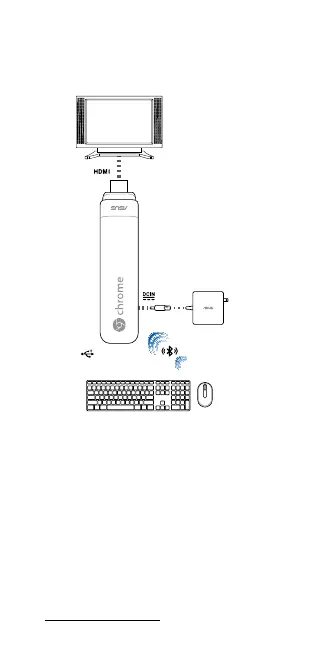
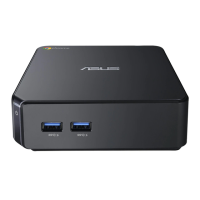
USB 2.0 port
NOTE:
• Forbestperformance,operateat1°C(33.8˚F)–35˚C(95˚F).
• Anyperipheralover500mAcurrentdrawshouldbe
connected via a powered USB hub, and not directly to
the USB port.
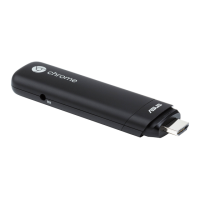
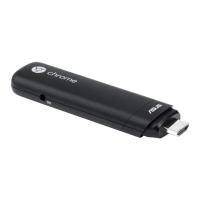
• EnsurethatyourChromebitdoesnotblockanyofthe
air vents on your monitor display.
• PlaceyourChromebitorpoweredUSBhubnearthe
side of your monitor to ensure that wireless signals
are not obstructed.
• Illustrationsforreferenceonly.
• USBhub,keyboardandmousearenotincluded.
• Visitourmulti-languagewebsiteat
http://support.asus.com
Getting started/Mise en route/Erste
Schritte/Per iniziare/Aan de slag/
Procedimientos iniciales


 To Next Page