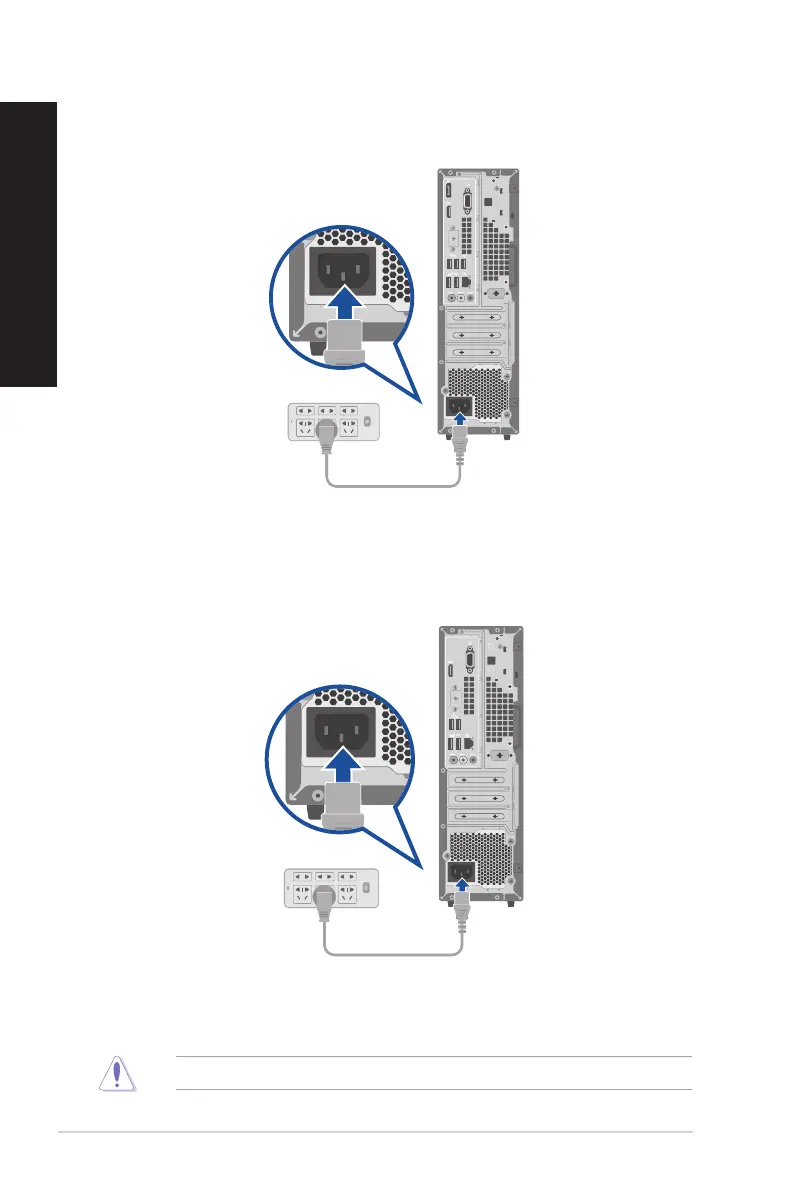
Connecting the power cord
Connect one end of the power cord to the power connector on the rear panel of your computer
and the other end to a power source.
For safety purposes, ONLY connect the power cord to a grounded electrical outlet.
D501SER / D501SERES / D501SERC / M501SER / S501SER
D701SER / D701SERES / D701SERC / M701SER / D701SERT
38 Chapter 1: Getting started
ENGLISH
ENGLISH



 To Next Page