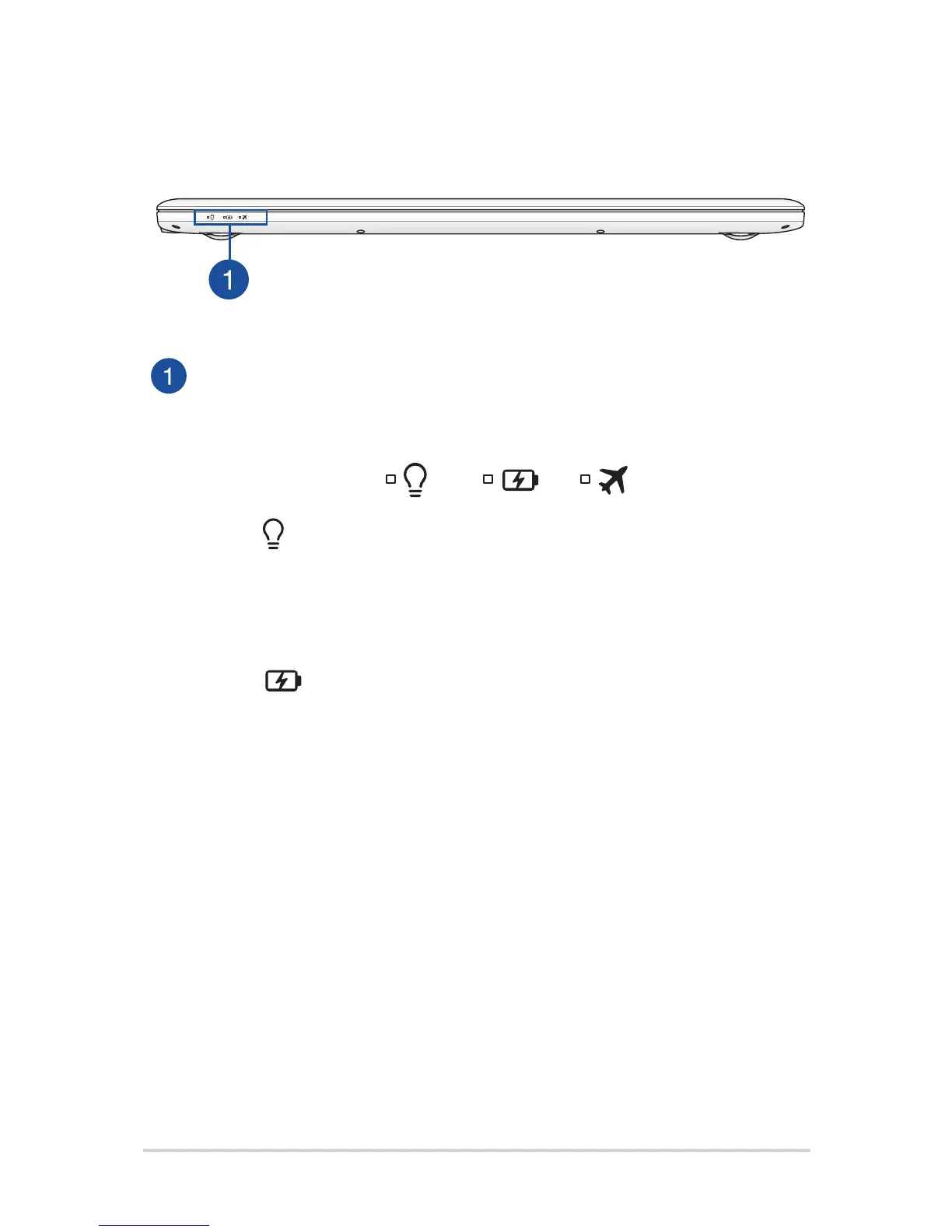
Front Side
Status indicators
The status indicators help identify the current hardware status of
your Notebook PC.
Power indicator
The power indicator lights up when the Notebook PC
is turned on and blinks slowly when the Notebook PC
is in sleep mode.
Two-color battery charge indicator
The two-color LED provides a visual indication of the
battery’s charge status. Refer to the following table
for details:


 To Next Page