Notebook PC E-Manual
99
8. Why does audio still come out from my Notebook PC’s audio
speakers even if I already connected my headphone into the
right jack port?
Go to Control Panel > Hardware and Sound then access Audio
Manager to congure the settings.
9. My Notebook PC cannot do keystrokes correctly because my
cursor keeps on moving. What should I do?
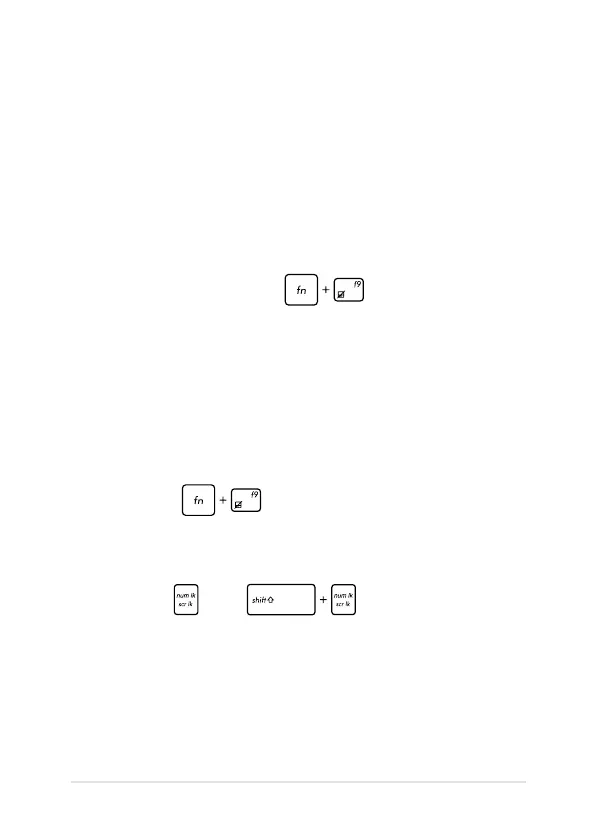
Make sure that nothing accidentally touches or presses on your
touchpad while you type on the keyboard. You can also disable
your touchpad by pressing .
10. My Notebook PC’s touchpad is not working. What should I
do?
You can try doing any of the following suggestions:
• Check if ASUS Smart Gesture is set to disable touchpad by
connecting an external pointing device to your Notebook
PC. If yes, disable this function.
• Press .
11. Instead of showing letters, pressing the “U”, “I”, and “O” keys
on my keyboard displays numbers. How can I change this?
Press the key or (on selected models) on
your Notebook PC to turn o this feature and use the said keys for
inputting letters.



 To Next Page