26
Notebook PC E-Manual
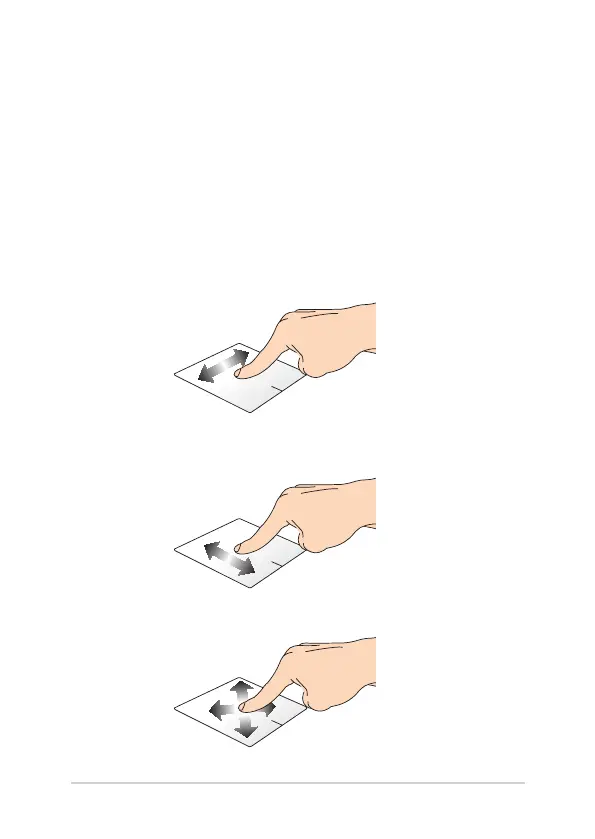
Moving the pointer
You can tap/click or click anywhere on the touchpad to activate its
pointer, then slide your nger on the touchpad to move the pointer
onscreen.
Slide horizontally
Slide vertically
Slide diagonally
Gestures for the touchpad
Gestures allow you to launch programs and access the settings of your
Notebook PC. Refer to the following illustrations when using hand
gestures on your touchpad.



 To Next Page