ASUS Eee PC
1-11
Touchpad Usage
Multi-finger gesture input (on selected models)
Finger gesture Applications
Two-finger zooming in/out Adobe reader, Windows Photo Viewer
Two-finger rotating Adobe reader, Windows Photo Viewer
Two-finger scrolling up/down or
left/right
Adobe reader, MS Word, MS Excel
Three-finger page up/down Adobe reader, MS Word, MS Excel
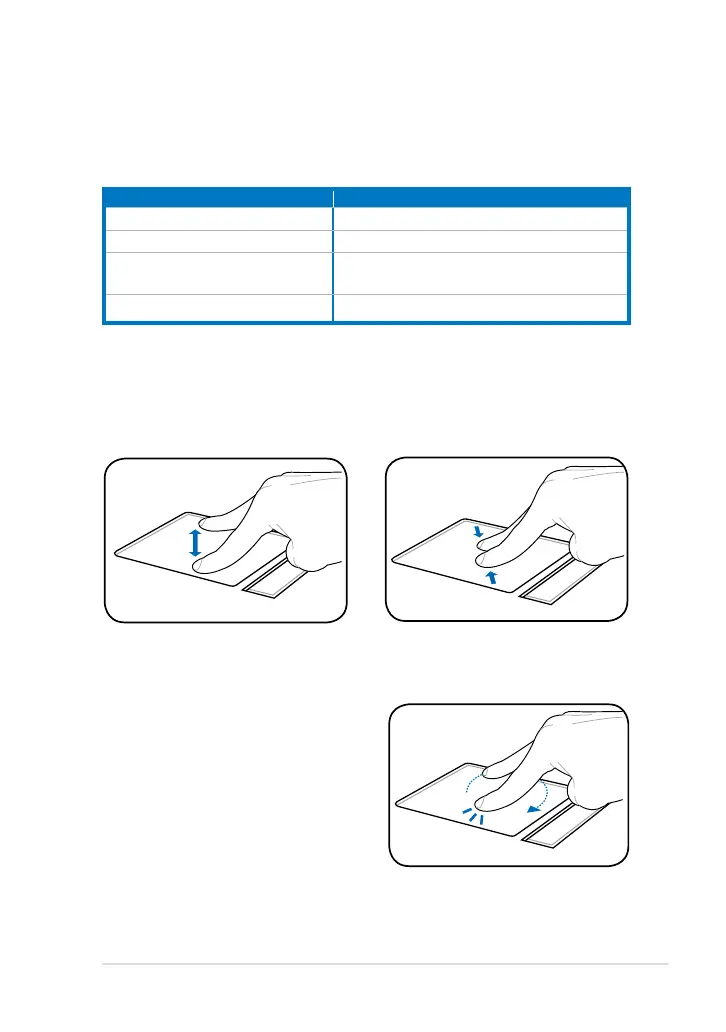
Zoom in
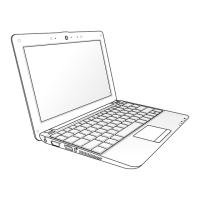
Zoom out
Two-finger zooming in/out - Moving two fingertips apart or together on
the touchpad to zoom in or zoom out. This is convenient when viewing
photos or reading documents.
Two-finger rotating- Fix one fingertip
on the touchpad and make an arc with
the other to rotate the photo or the
document you are viewing. You can
make a clockwise or counterclockwise
rotation based on your needs.




 To Next Page