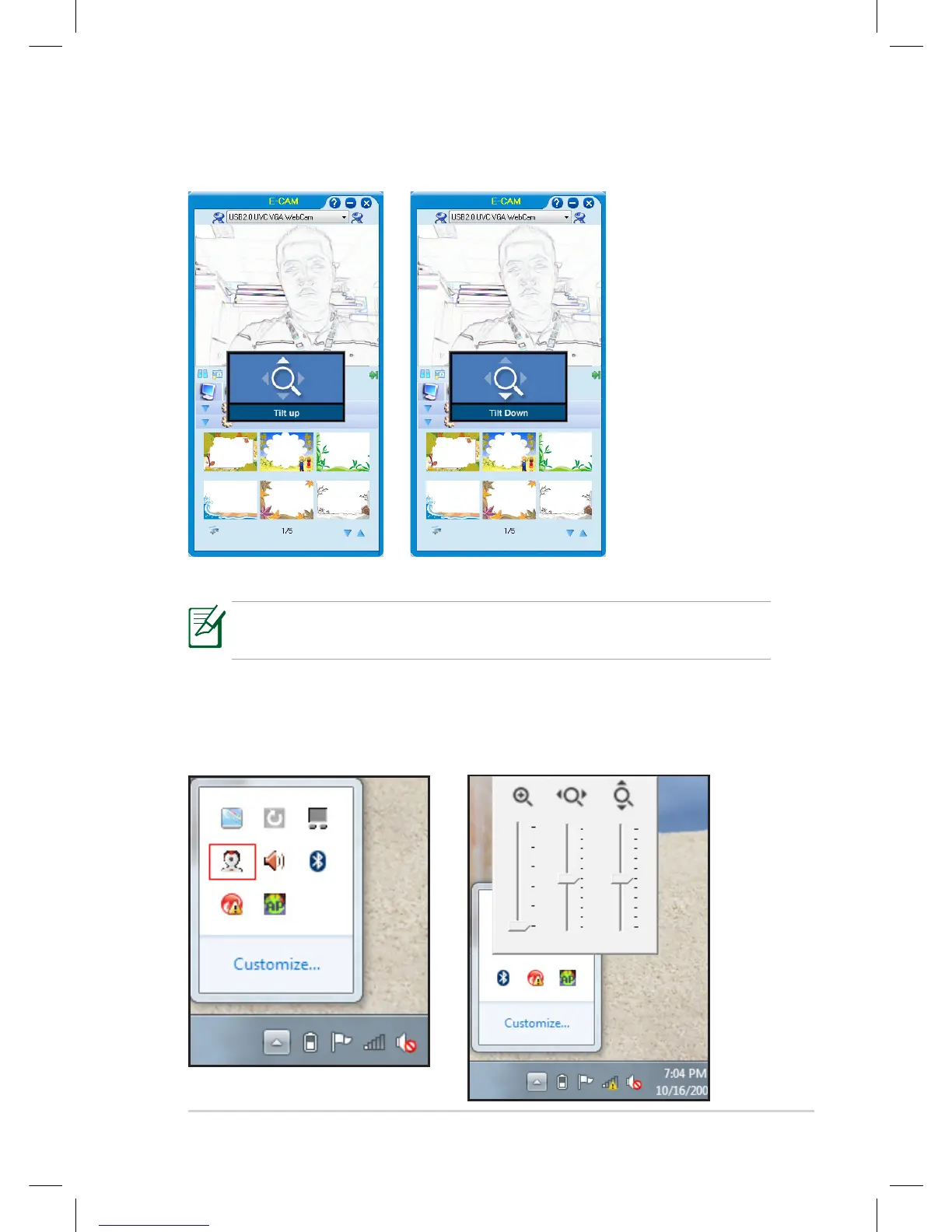
Press <Fn> + <E> to tilt up. Press <Fn> + <D> to tilt down.
Panning and tilting is only available when you have zoomed in the
camera.
You can also open the control panel by clicking the Digital Zoom Control
icon from the Notification area and directly move the sliders for the
zooming, panning, and tilting functions.















 To Next Page