Digital Zoom Control
(on selected models)
Digital Zoom Control is a software that helps you control your built-in
camera whenever it is in use. You can zoom, pan or tilt the camera with
Digital Zoom Control.
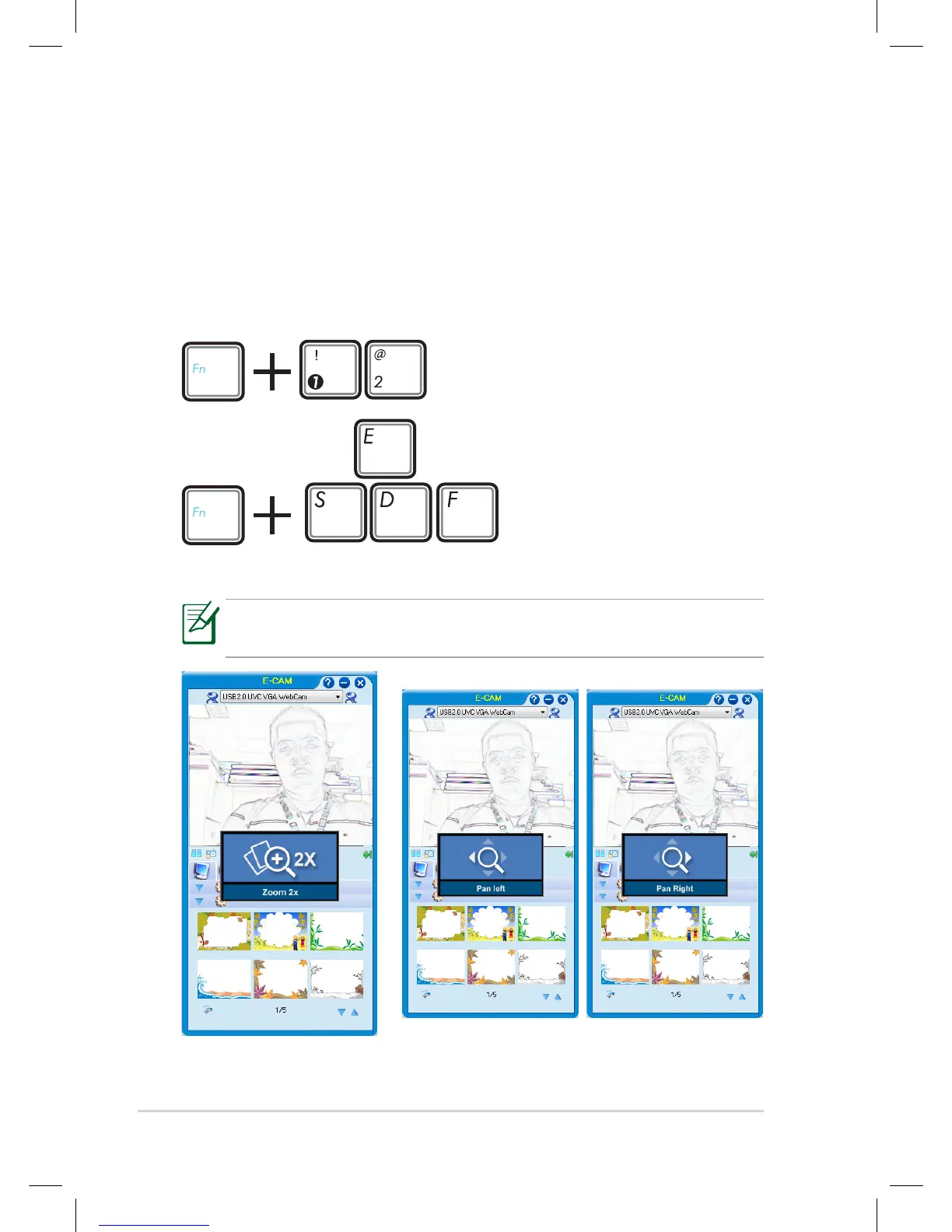
Function keys
Press <Fn> + <1> to zoom in
and <Fn> + <2> to zoom out.
Zoom in or out
Pan or tilt
The following is the example when using YouCam / E-Cam:
You can use Digital Zoom Control when making a video call or
having a video chat.
Press <Fn> + <S> to pan left and <Fn> + <F> to pan
right.















 To Next Page