ASUS Eee PC
1-11
3
4
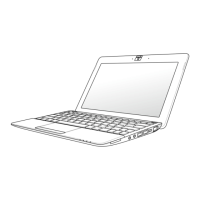
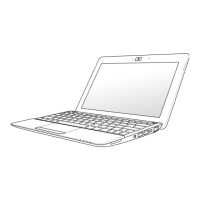
USB Port (2.0/1.1)
USB Charge+ (on selected models)
Allows you to charge your mobile phones or digital audio players
while your Eee PC is sleeping, hibernating or shut down. Launch
the USB Charge+ application from Eee Docking tool bar and
configure related settings.
Air Vents
The air vents allow cool air to enter and warm air to exit the Eee
PC.
Ensure that paper, books, clothing, cables, or other objects do not
block any of the air vents or else overheating may occur.
HDMI
HDMI Port
For Eee PC 1015PN, the HDMI function will be disabled when
using the integrated graphics card.
5













 To Next Page