Chapter 4: System Recovery
4-2
System Recovery (For Windows 7
OS Only)
Ensure to connect your Eee PC to the AC power adapter before
using F9 recovery to avoid recovery failure.
Using recovery partition (F9 Recovery)
1. Press <F9> during bootup.
Ensure to press <F9> only once during bootup.
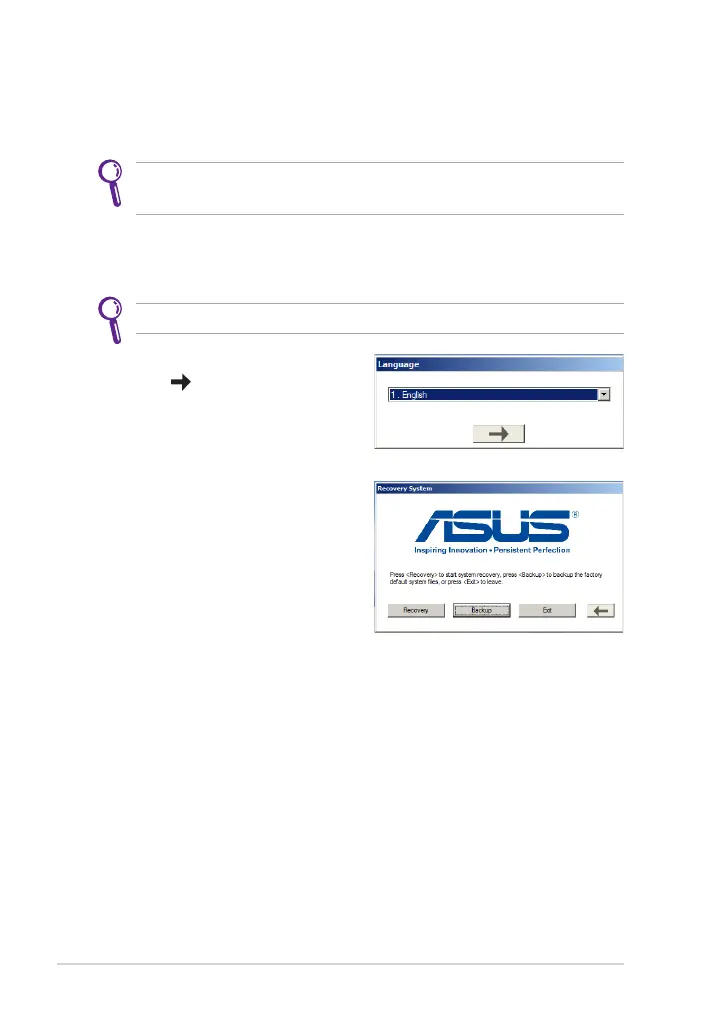
2. Select the language you use and
click
to continue
.
3. Click Recovery in the Recovery
System dialog box to start the
system recovery.
4. The system starts system recovery automatically and follow the
onscreen instructions to complete the recovery process.


 To Next Page