22 EB1030/ EB1031/ EB1033
English
Setting up your PC
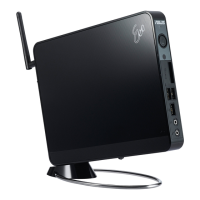
You need to connect peripherals before using your EB1030/ EB1031/
EB1033.
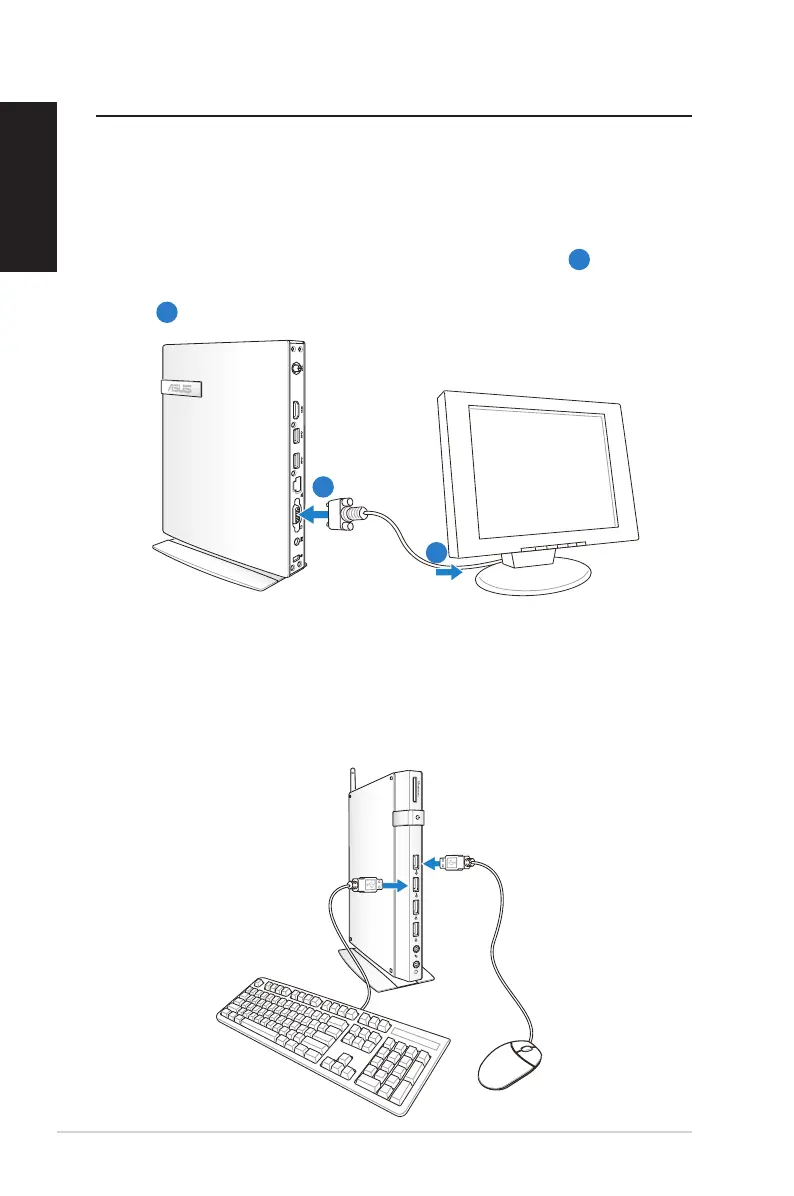
Connecting to a display
ConnectoneendoftheVGAcabletoanLCDmonitor(
1
) and the
other end to the Display (Monitor) Output port on the system rear
panel (
2
).
1
2
Connecting to USB devices
Connect USB devices like wired/wireless keyboards (vary by areas),
mouse devices, and printers to the USB ports on the system front or
rear panels.
X
LCD monitor




 To Next Page