Notebook PC E-Manual
63
or
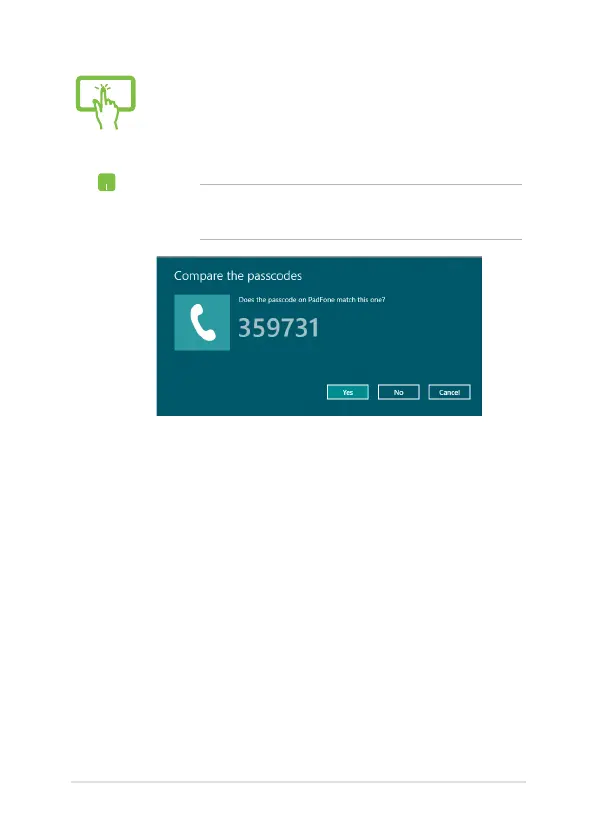
4. Select a device from the list. Compare the passcode
on your Notebook PC with the passcode sent to
your chosen device. If they are the same, tap/click
Yes to successfully pair your Notebook PC with the
device.
NOTE: For some bluetooth-enabled devices, you may be
prompted to key in the passcode of your Notebook PC.


 To Next Page