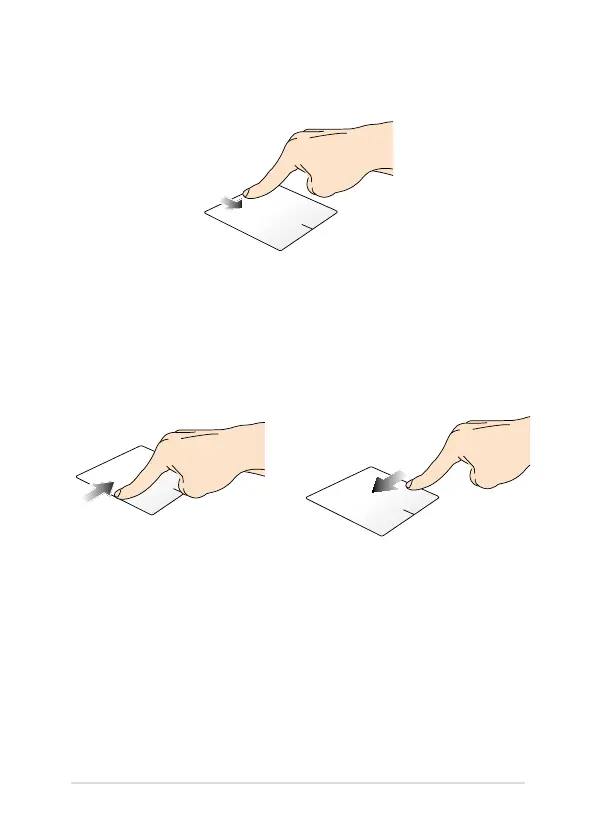
Top edge swipe
• In the Start screen, swipe from the top edge to launch the All
Apps bar.
• In a running app, swipe from the top edge to view its menu.
Left edge swipe Right edge swipe
Swipe from the left edge to shue
your running apps.
Swipe the right edge to launch
the Charms bar.


 To Next Page