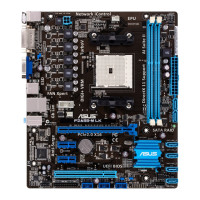
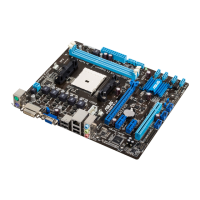
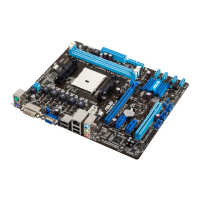
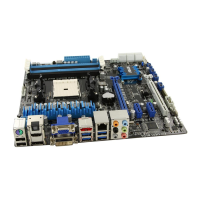
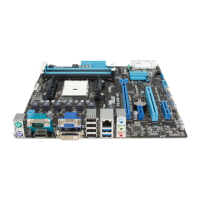
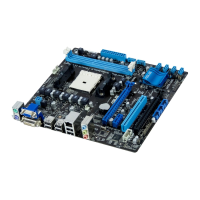
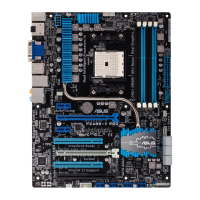
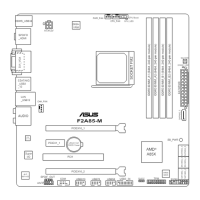
• In single VGA card mode, use the PCIe 2.0 x16_1 slot (blue) for a PCI Express x16
graphics card to get better performance.
• We recommend that you provide sufcient power when running CrossFireX™ mode.
See page 1-26 for details.
• Connect a chassis fan to the motherboard connector labeled CHA_FAN1/2 when
using multiple graphics cards for better thermal environment.
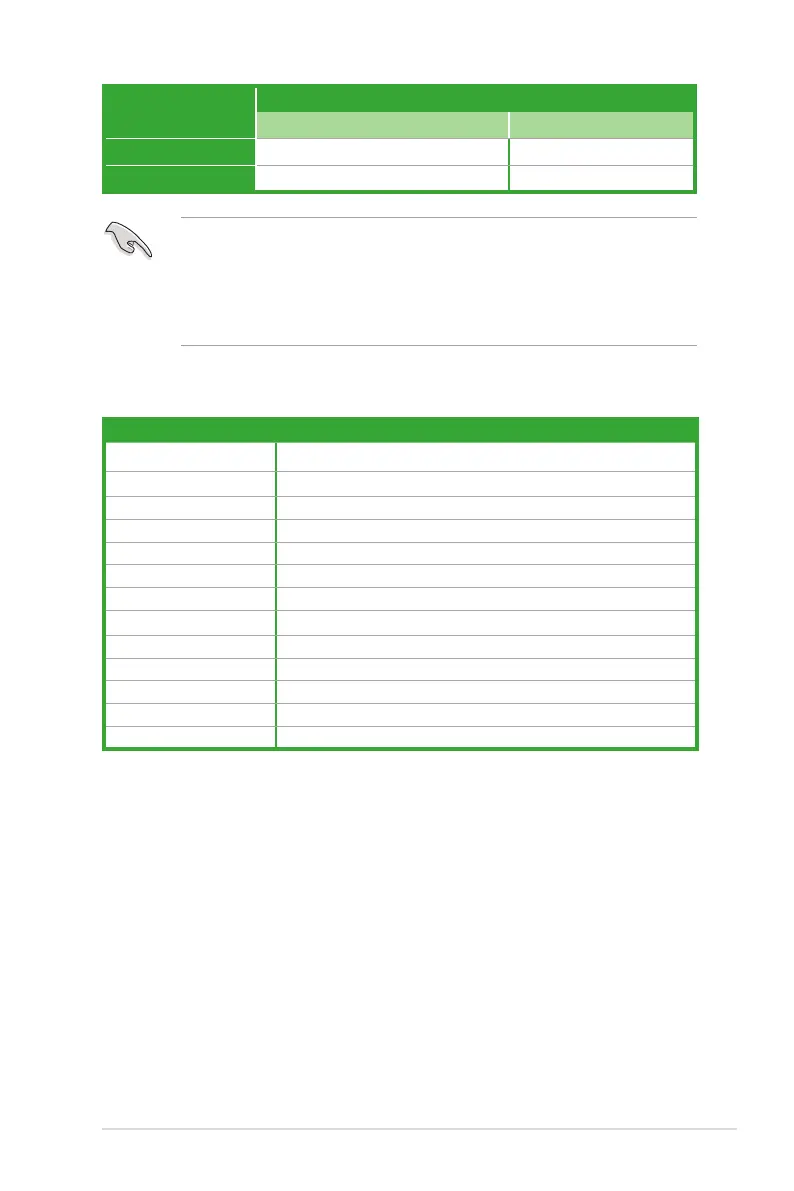
VGA conguration
PCI Express operating mode
PCIe x16_1 PCIe x16_2
Single VGA/PCIe card x16 (Recommended for single VGA card) N/A
Dual VGA/PCIe card x16 x4
IRQ assignments for this motherboard
A B C D E F G H
PCIEx16_1 – – shared – – – – –
PCIEx16_2 shared – – – – – – –
PCIEx1_1 shared – – – – – – –
PCIEx1_2 – – – shared – – – –
PCI1 slot – – – – shared – – –
PCI2 slot – – – – – shared – –
PCI3 slot – – – – – – shared –
Realtek 8111F controller – – shared – – – – –
ASM USB3.0 – shared – – – – – –
HD audio shared – – – – – – –
SATA controller – – – shared – – – –
Onboard USB1.0 controller – – shared – – – – –
Onboard USB2.0 controller – shared – – – – – –
ASUS F2A55
1-21


 To Next Page