28
Notebook PC E-Manual
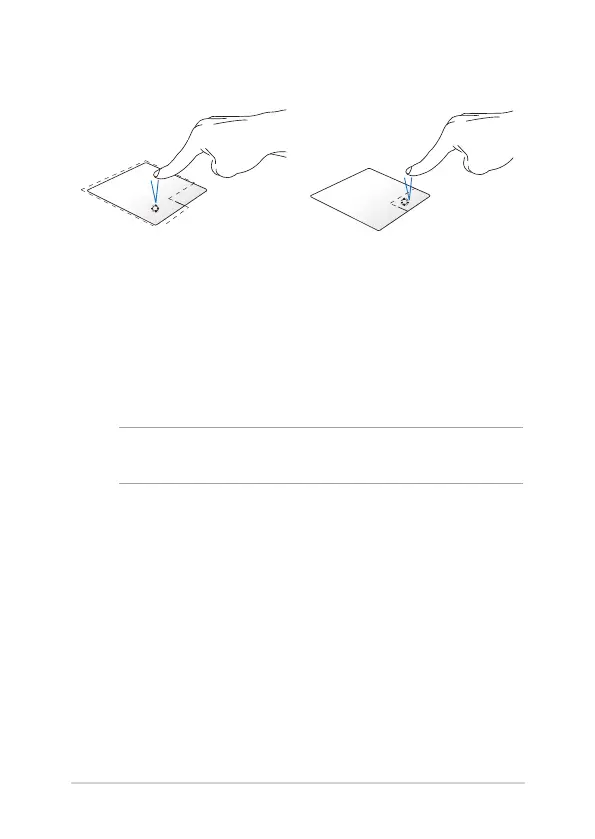
Left-click Right-click
• IntheStartscreen,clickan
app to launch it.
• InDesktopmode,double-
click an application to
launch it.
• IntheStartscreen,clickan
app to select it and launch
the settings bar. You can also
press this button to launch
the All Apps bar.
• InDesktopmode,usethis
button to open the right-
click menu.
NOTE: The areas inside the dotted line represent the locations of the left
mouse button and the right mouse button on the touchpad.


 To Next Page