Appendix A
A-5
2. Select each item and
press [Enter] to select a
device.
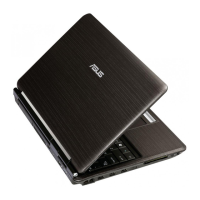
Security Setting
To set the password:
1. On the Security
screen, select Change
Supervisor or Change
User Password.
2. Type in a password
and press [Enter].
3. Re-type to conrm the
password and press
[Enter].
4. Password is then set.
To clear the password:
1. Leave the password eld blank and press [Enter].
2. Password is then cleared.
Select Screen
Select Item
+-
ChangeOption
F1 General Help
F10 Save and Exit
ESC Exit
v02.61(C)Copyright1985-2006,AmericanMegatrends,Inc.
BIOS SETUP UTILITY
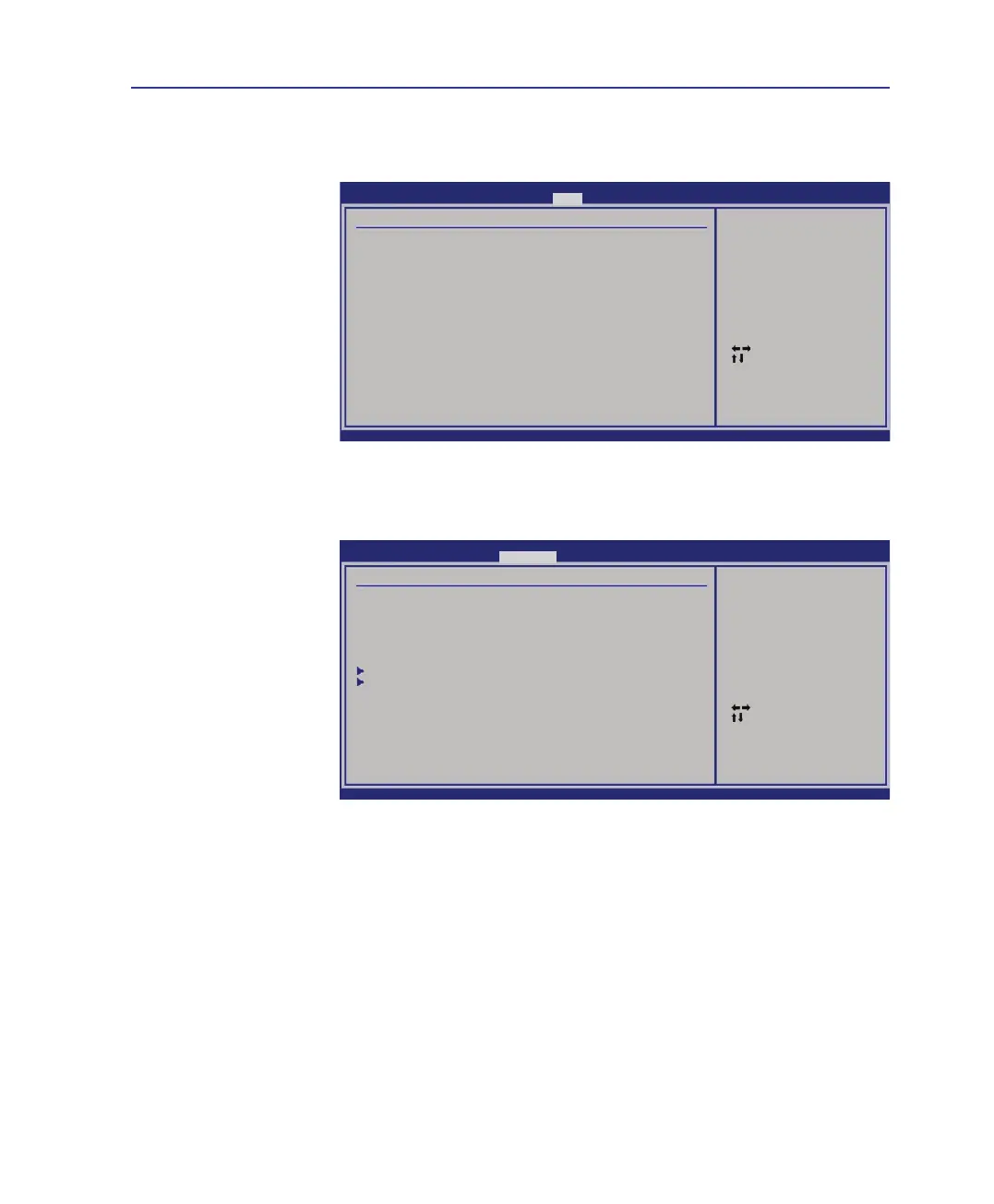
Boot
Boot Device Priority
1st Boot Device [Hard Drive]
2nd Boot Device [CD/DVD]
3rd Boot Device [Removable Device]
4thBootDevice [Network]
Speciestheboot
sequencefromthe
availabe devices.
A device enclosed
inparenthesishas
beendisabledinthe
corresponding type menu.
Select Screen
Select Item
EnterChange
F1 General Help
F10 Save and Exit
ESC Exit
v02.61(C)Copyright1985-2006,AmericanMegatrends,Inc.
BIOS SETUP UTILITY
Security
Security Settings
Supervisor Password : Not Installed
User Password : Not Installed
ChangeSupervisorPassword
ChangeUserPassword
Hard Disk Security Setting
I/O Interface Security
InstallorChangethe
password.
System BIOS Settings (cont.)



 To Next Page