Recover Windows to entire HD with two partitions.
This option deletes all partitions from your hard drive and creates two
new partitions “C” (25%) and “D” (75%).
6. Follow the onscreen instructions to complete the recovery
process.
Visit the ASUS website at www.asus.com for updated drivers and
utilities.
Using Recovery DVD (on selected models)
Lock the secondary hard disk drive:
For models installed two hard disk drives, you have to lock the
secondary hard disk drive before performing system recovery with
recovery DVD.
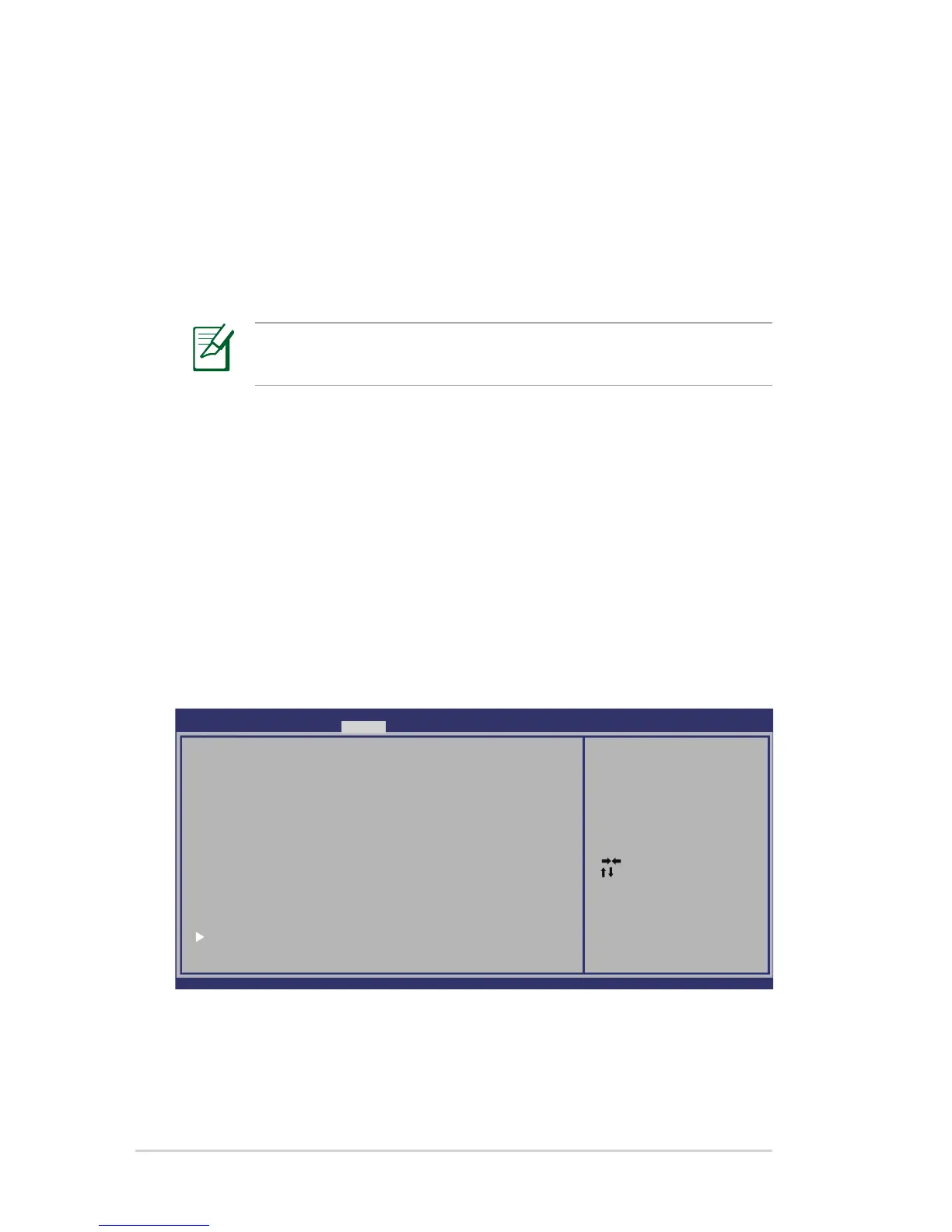
1. Press [F2] on bootup to enter BIOS setup.
2. On the Security screen, select I/O Interface Security and press
[Enter].
: Select Scr een
: Select Item
Enter: Select
+/—: Change O pt.
F1: General Help
F2: Previous Values
F9: Optimized Defaults
F10: Save ESC: Exit
Version 1.28. 1119. Cop yright (C ) 2008 American Megatrends, I nc.
A ptio Setup Utility - Copyrigh t (C) 2008 American Megatrend s, Inc.
Main Ad vanced �ootMain Advan ced �o ot Sec urity Save & Exit
Password D escriptio n
If ONLY th e Adminis trator’s password is set,
then this only limi ts access to Setup and is
only asked for when entering Setup.
If ONLY th e user’s password is set, then this
is a power on passw ord and m ust be entered to
boot or en ter Setup . In Setup, the User will
have Admin istrator rights.
Administr ator Pass word NOT INSTALLED
User Pass word Stat us NOT INSTALLED
Setup adm inistrato r passwor d
User Pass word
I/O Interfac e Securit y
HDD Secur ity Confi guration:
HDD 0:Hit achi HTS5
Set the syste m boot or der.



 To Next Page