ASUS M2N-X PLUS 2-25
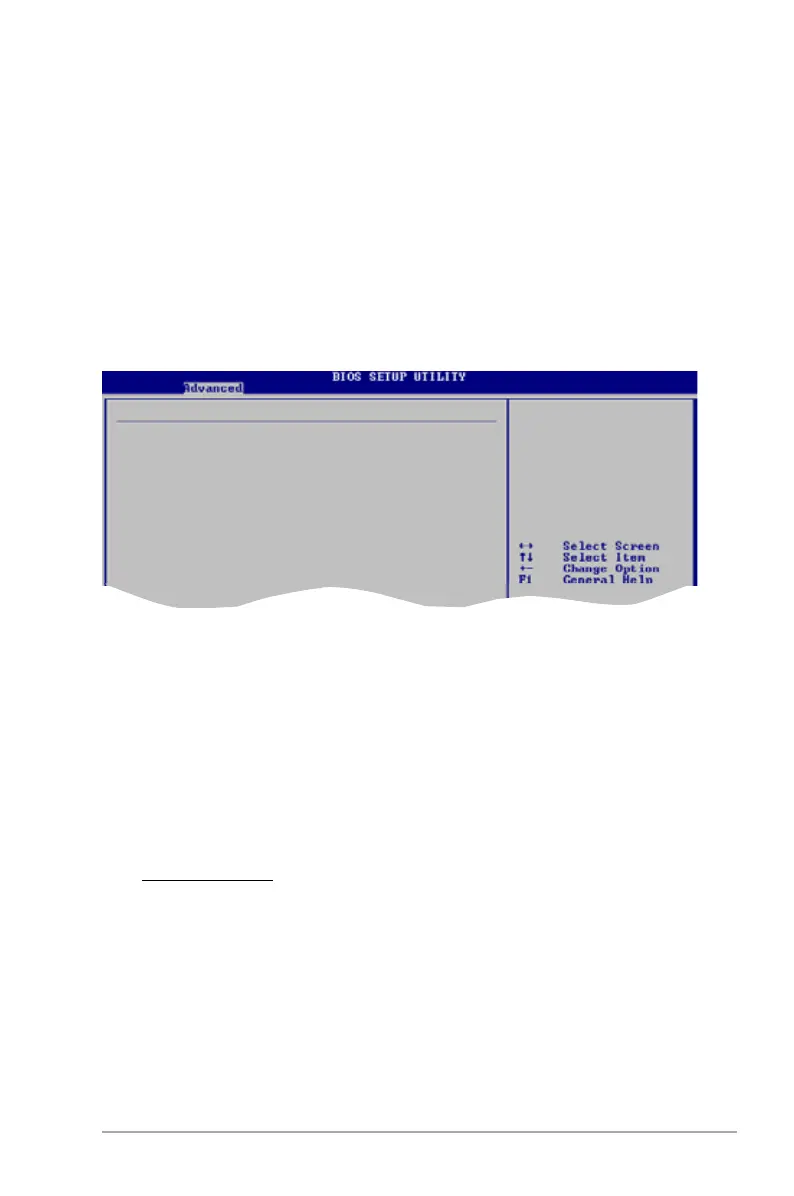
Primary Graphics Adapter [PCI Express -> PCI]
Display Device Priority, from high to low. Conguration options: [PCI Express ->
PCI] [PCI -> PCI Express]
AZALIA AUDIO [Auto]
Allows you to set or disable the AZALIA AUDIO. Conguration options: [Auto]
[Disabled]
Front Panel Select [HD Audio]
Allows you to set HD Audio mode. Conguration options: [AC97] [HD Audio]
OnBoard LAN [Auto]
Allows you to set or disable the OnBoard LAN. Conguration options: [Auto]
[Disabled]
OnBoard LAN Boot ROM [Disabled]
Allows you to enable or disable the OnBoard LAN Boot ROM.
Conguration options: [Disabled] [Enabled]
MCP61 ACPI HPET TABLE [Enabled]
Allows you to enable or disable MCP61 ACPI HPET TABLE.
Conguration options: [Disabled] [Enabled]
SouthBridge Con fi guration
L2/L3 Cache BG Scrub [Disabled]
Allows the L2/L3 Data Cache ram to be corrected while idle.
Conguration options: [Disabled] [40ns] [80ns] [160ns] [320ns] [640ns]
[1.28us] [2.56us] [5.12us] [10.2us] [20.5us] [41.0us] [81.9us] [163.8us]
[327.7us] [655.4us] [1.31ms] [2.62ms] [5.24ms] [10.49ms] [20.97ms]
[42.00ms] [84.00ms]
Power Down Control [Auto]
Allows DIMMs to enter power down mode by deasserting the clock enable signal
when DIMMs are not in use. Conguration options: [Auto] [Disabled]
SouthBridge MCP61 chipset Conguration
Primary Graphics Adapter [PCIE-> PCI -> IGP]
AZALIA Audio [Auto]
Front Panel Select [HD Audio]
OnBoard LAN [Auto]
OnBoard LAN Boot ROM [Disabled]
MCP61 ACPI HPET TABLE [Enabled]
Display Device
Priority, from
high to low





 To Next Page