32
Notebook PC E-Manual
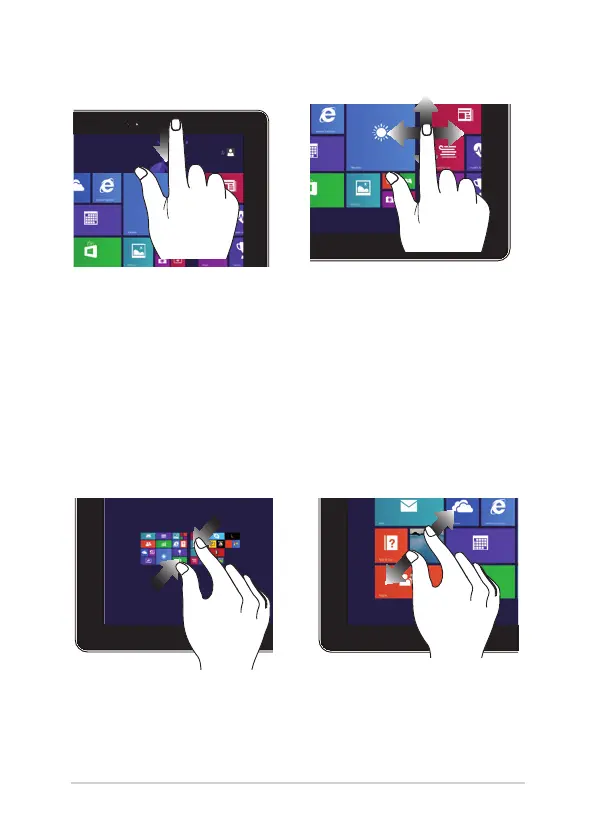
Top edge swipe Finger slide
• IntheStartscreen,swipe
from the top edge of
the screen to view the
Customize bar.
• Inarunningapp,swipefrom
the top edge of the screen to
view its menu.
Slide your nger to scroll up and
down and slide your nger to
pan the screen left or right.
Zoom out Zoom in
Bring together your two ngers on
the touch panel.
Spread apart your two ngers
on the touch panel.



 To Next Page