EasyManua.ls Logo

Asus O!PLAY BDS-500 - User Manual

Asus O!PLAY BDS-500
53 pages
Print Icon
To Next Page IconTo Next Page
Loading...
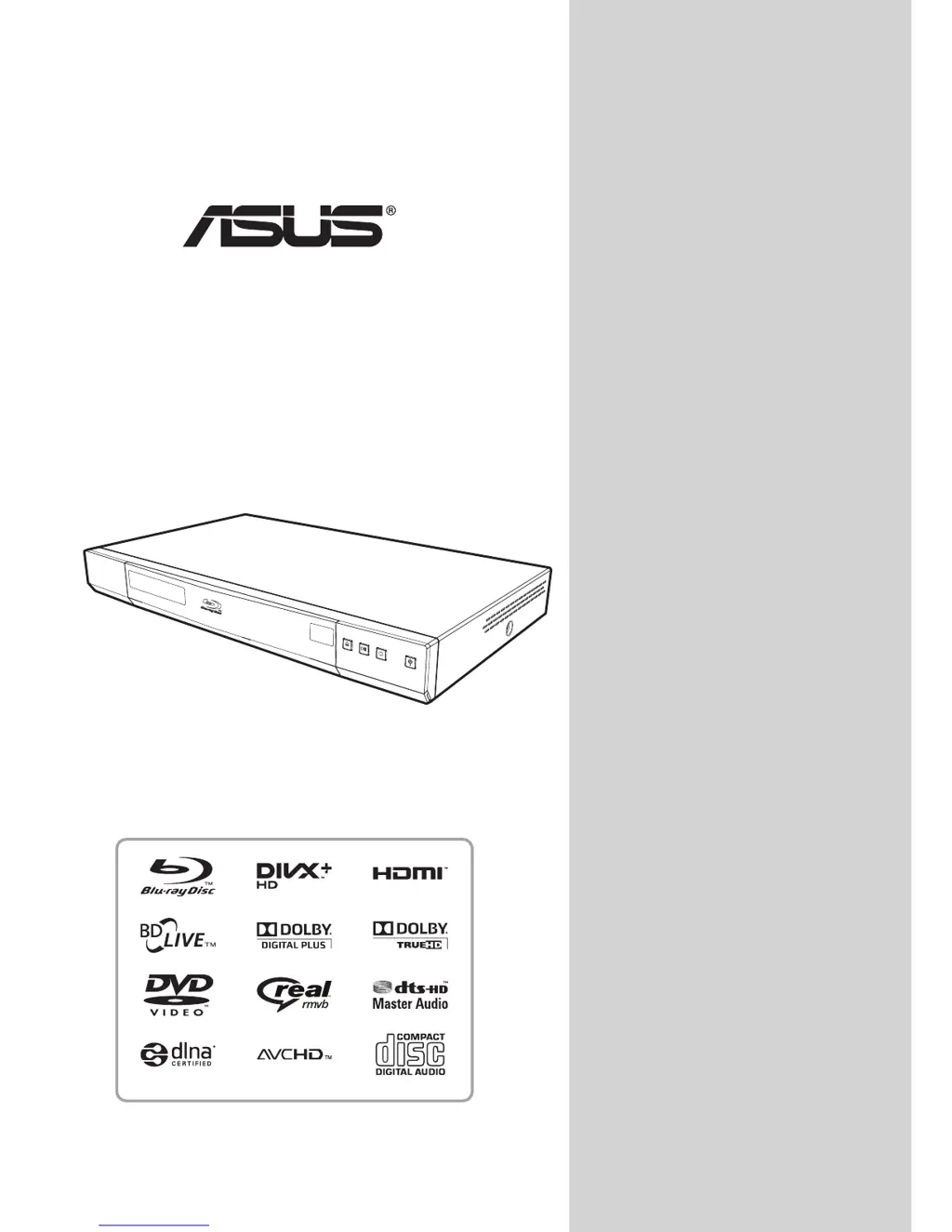
O!PLAY
Blu-ray/HD Media Player
BDS-700/BDS-500
Owners Manual

Table of Contents

Questions and Answers

  • B
    Benjamin PhillipsAug 9, 2025
    What to do if my Asus O!PLAY BDS-500 Blu-ray Player has no picture?
    • K
      kyleclarkAug 9, 2025
      If your Asus Blu-ray Player shows no picture, first, ensure the video cables are correctly connected, matching plug colors to the jacks. Next, select the correct input on your TV/Display to which the player is connected. If the resolution is incompatible, connect CVBS to your display device and change to a supported output resolution. Also, check if the PURE AUDIO button was accidentally pressed and press it again. Finally, if using component/composite cables, verify all cables match signals on both ends. Incorrect color can also cause no picture.
  • S
    solomonnancyAug 14, 2025
    Why is there no sound coming from my Asus Blu-ray Player?
    • M
      morganronaldAug 14, 2025
      If your Asus Blu-ray Player has no sound, check that the audio cable is properly connected, ensuring the plug colors match the jacks. Also, verify that the mute function is not activated by pressing the MUTE button. Finally, increase the volume by pressing the volume up button.
  • M
    Ms. Monica Gonzalez DVMAug 19, 2025
    How to fix an Asus O!PLAY BDS-500 Blu-ray Player remote control failure?
    • K
      Kristen ChavezAug 19, 2025
      If the remote control for your Asus Blu-ray Player is not working, ensure you are within the effective range of the player. Also, make sure that the receiver on your player is not blocked. If it still fails, replace the batteries in the remote control.
  • T
    Taylor HamiltonAug 25, 2025
    What to do if my Asus Blu-ray Player can not connect to the network?
    • S
      Samantha RiddleAug 25, 2025
      If your Asus Blu-ray Player cannot connect to the network, first check that the LAN cable is properly connected. Next, verify that your modem or broadband router is powered on. Finally, ensure that the broadband router and/or modem cable is correctly connected, referring to their operating instructions if needed.
  • E
    Emily SuarezAug 29, 2025
    Why does my Asus O!PLAY BDS-500 Blu-ray Player say 'No Disc' or 'Unknown Disc'?
    • R
      reginald06Aug 29, 2025
      If your Asus Blu-ray Player displays a 'No Disc' or 'Unknown Disc' error, eject the disc and check if it is a playable disc (refer to “Playable Discs” on page 1 for more information). If the disc surface is dirty, eject it and clean any dirt or fingerprints. Ensure the disc is loaded correctly with the label side facing up and the record side facing down. Lastly, check the region code of the BD-Video and DVD-Video and use the correct region code (refer to “Region Code” on page 18 for more information).
  • H
    Hannah RiversSep 3, 2025
    How to fix Asus O!PLAY BDS-500 when it has no power?
    • B
      Benjamin WongSep 3, 2025
      To resolve the issue of no power for your Asus Blu-ray Player, ensure the power cord is securely plugged into the wall outlet.

Asus O!PLAY BDS-500 Specifications

General IconGeneral
HDMI OutputYes
LAN PortYes
Wi-FiNo
Weight2.5 kg
Disc CompatibilityBD-ROM, BD-R/RE, DVD, DVD±R/RW, CD, CD-R/RW
Video FormatsMPEG1/2/4, H.264, VC-1
Audio FormatsMP3, WMA, AAC, FLAC
Image FormatsJPEG, BMP, PNG, GIF
Output Resolution1080p, 1080i, 720p, 480p
USB PortUSB 2.0
Audio OutputOptical
ConnectivityHDMI, USB, Ethernet